-
-
S3XY Buttons : Tout savoir sur cet accessoire . participez à son amélioration.
Hormis ces problèmes de fixation, ce nouvel accessoire "sexy" fonctionne t-il correctement maintenant ???
-
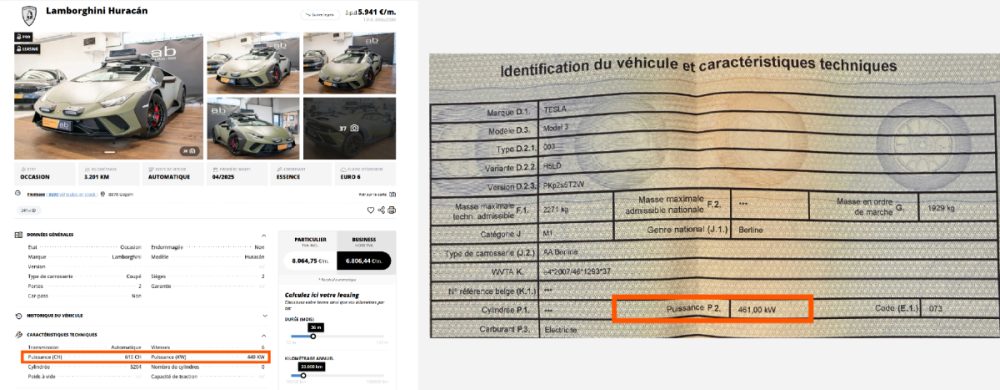
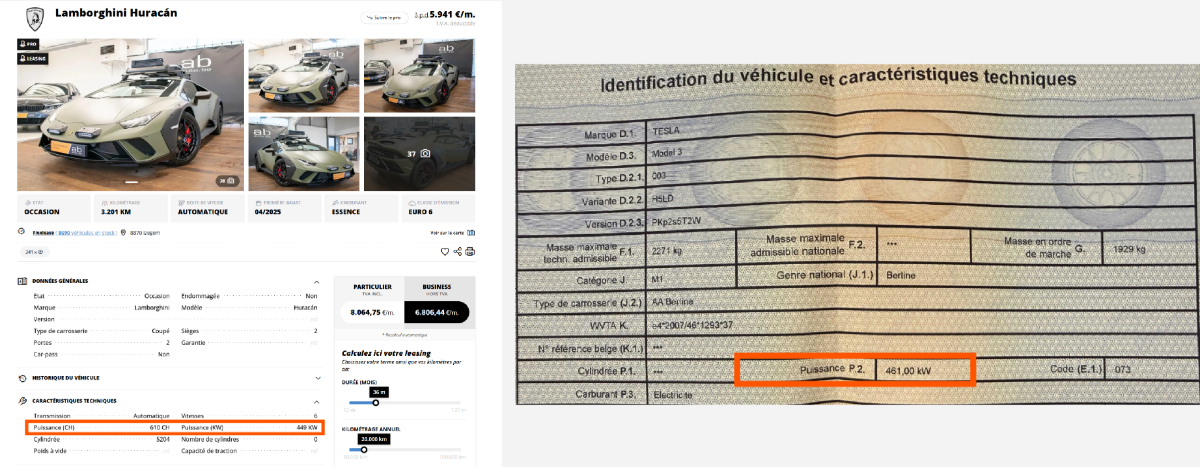
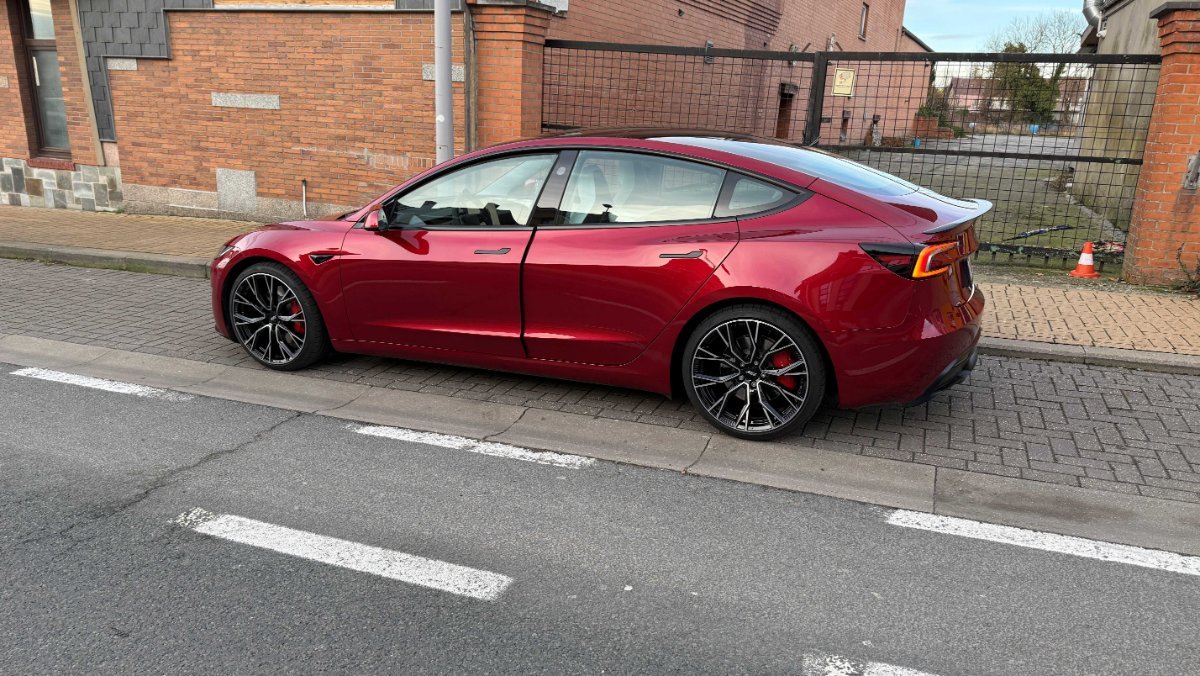
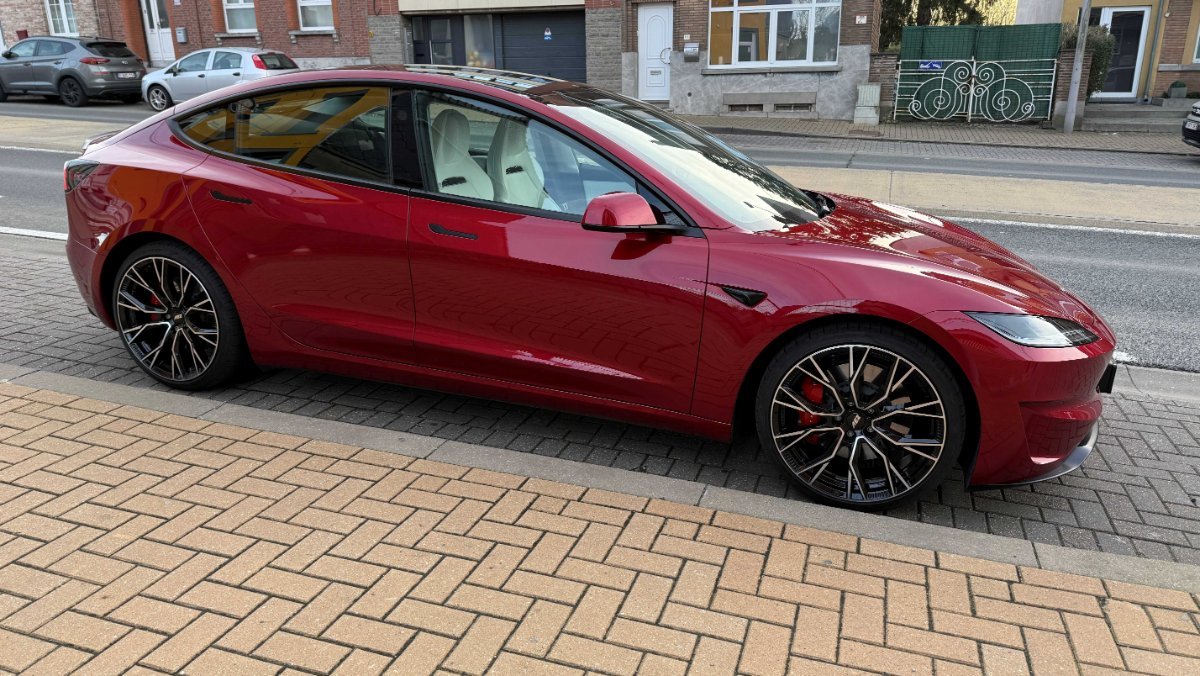
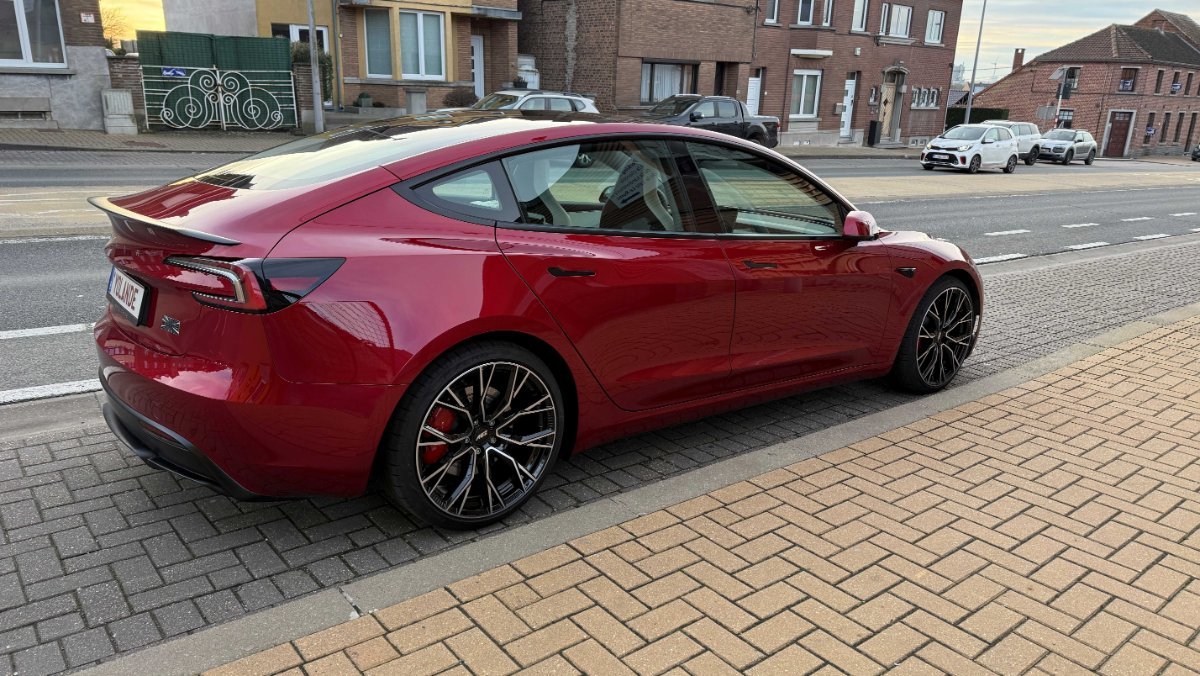
Ma Tesla Modèle 3 Performance Highland plus puissante qu'un Lambo ???
C'est bien ce que je pensais, mais cela pourrait-il me porter préjudice ? Assurance, futures taxes ? L'erreur vient de Tesla puisque les données indiquées sur la carte grise proviennent de la demande d'immatriculation fournie par Tesla. Ne devrais-je pas demander une rectification ?
-
Ma Tesla Modèle 3 Performance Highland plus puissante qu'un Lambo ???
-
Alpine A390 Officielle
Bof ....
-
Model 3 Highland Performance (Plaid ?)
- Alpine A610 - une GT 4 portes en 2028 ?
C'est moi .... il y a 40 ans ....- Model 3 Highland Performance (Plaid ?)
Pas besoin de ces "chinoiserie" de "launch control" ..... Tu tapes la pédale à fond et t'es à 100 km/h en 3'' ....- Model 3 Highland Performance (Plaid ?)
- Alpine A290
Pub radio pour l'Alpine A290 sur RTL .... Jamais vu ni entendu de pub pour Alpine avant ...... Les ventes se portent bien ???? Encore 4 modèles Alpine à venir .... On en reparlera .....- A390 Puissance
Le compte est bon ... 😁🤣😂- Bruit pré-chauffage habitacle ...
Effectivement, depuis qu'il fait moins froid, je ne l'ai plus constaté ...- Bruit pré-chauffage habitacle ...
Merc, ça me rassure ...- Bruit pré-chauffage habitacle ...
Oui, il faisait -3°. Mais le bruit me semble un peu fort ... Et au volant, je sens une légère vibration dans le volant. Donc, selon toi, c'est la pompe à chaleur qui fait ce bruit ?- Bruit pré-chauffage habitacle ...
Qu'en pensez-vous ?- La R5, une réussite ou une déception ?
Oui, parce que à ce prix-là, après les fans fortunés, ça reste à voir .... - Alpine A610 - une GT 4 portes en 2028 ?
Account
Navigation
Rechercher
Configure browser push notifications
Chrome (Android)
- Tap the lock icon next to the address bar.
- Tap Permissions → Notifications.
- Adjust your preference.
Chrome (Desktop)
- Click the padlock icon in the address bar.
- Select Site settings.
- Find Notifications and adjust your preference.
Safari (iOS 16.4+)
- Ensure the site is installed via Add to Home Screen.
- Open Settings App → Notifications.
- Find your app name and adjust your preference.
Safari (macOS)
- Go to Safari → Preferences.
- Click the Websites tab.
- Select Notifications in the sidebar.
- Find this website and adjust your preference.
Edge (Android)
- Tap the lock icon next to the address bar.
- Tap Permissions.
- Find Notifications and adjust your preference.
Edge (Desktop)
- Click the padlock icon in the address bar.
- Click Permissions for this site.
- Find Notifications and adjust your preference.
Firefox (Android)
- Go to Settings → Site permissions.
- Tap Notifications.
- Find this site in the list and adjust your preference.
Firefox (Desktop)
- Open Firefox Settings.
- Search for Notifications.
- Find this site in the list and adjust your preference.