
thib_audd
Membre
-
Inscription
-
Dernière visite
-
Salut Bob, je viens d'essayer et je bloque chaque fois au même endroit : - [opc@teslamat ~]$ [opc@teslamat ~]$ sudo chmod +x /usr/local/bin/docker-compose [opc@teslamat ~]$ [opc@teslamat ~]$ sudo ln -s /usr/local/bin/docker-compose /usr/bin/docker-compose [opc@teslamat ~]$ [opc@teslamat ~]$ sudo docker-compose up -d /bin/docker-compose: ligne1: Not : commande introuvable [opc@teslamat ~]$ /Users/thibaud/Downloads/docker-compose.yml -bash: /Users/thibaud/Downloads/docker-compose.yml: Aucun fichier ou dossier de ce type [opc@teslamat ~]$ - Je ne comprends pas ce que je fais mal.
-
Merci beaucoup pour l'accueil ! Je confirme, ce forum est un bon endroit pour glaner toutes les informations dont j'ai besoin.
-
Merci beaucoup. Je trouve effectivement beaucoup de réponses à mes questions.
-
thib_audd a modifié sa photo de profil
-
Merci pour la validation :) Il y a qui d'autres ? J'ai pas encore exploré tout le forum :)
-
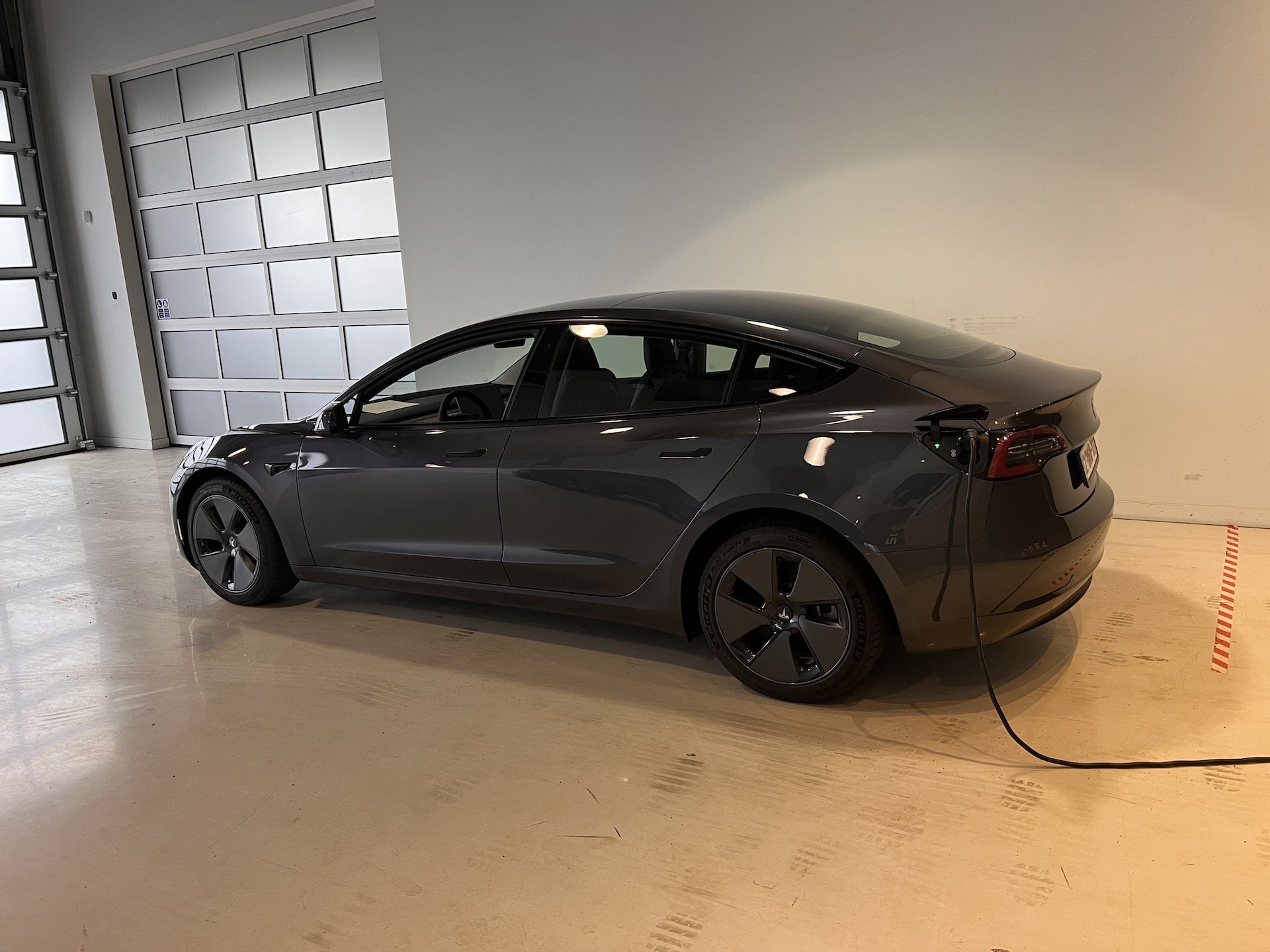
Je m'appelle Thibaud, j'ai 35 ans et j'habite à Thuin (en Belgique). Je roule encore en voiture thermique mais mon renting arrive à termes dans moins d'un an et je compte bien remplacé mon véhicule professionnel actuel par une Tesla Model 3 Long Range. Du coup, je suis à la recherche d'un maximum d'information d'où mon inscription sur le forum. Merci pour l'accueil.