Aller au contenu
View in the app

A better way to browse. Learn more.

Forum Automobile Propre

A full-screen app on your home screen with push notifications, badges and more.

To install this app on iOS and iPadOS
  1. Tap the Share icon in Safari
  2. Scroll the menu and tap Add to Home Screen.
  3. Tap Add in the top-right corner.
To install this app on Android
  1. Tap the 3-dot menu (⋮) in the top-right corner of the browser.
  2. Tap Add to Home screen or Install app.
  3. Confirm by tapping Install.

yop_59

Membre
  • Inscription

  • Dernière visite

  1. yop_59 a modifié sa photo de profil
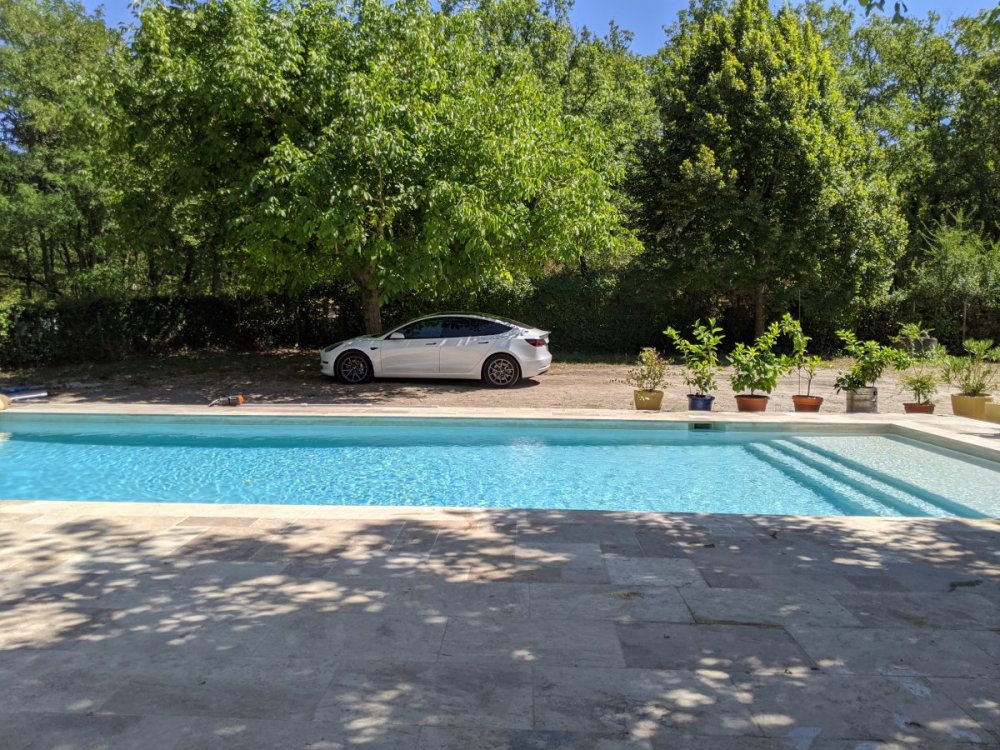
  2. Sous le soleil du Vaucluse 😎
  3. Salut, ODBLink LX pour moi. Merci
  4. Salut, je suis intéressé aussi. Merci
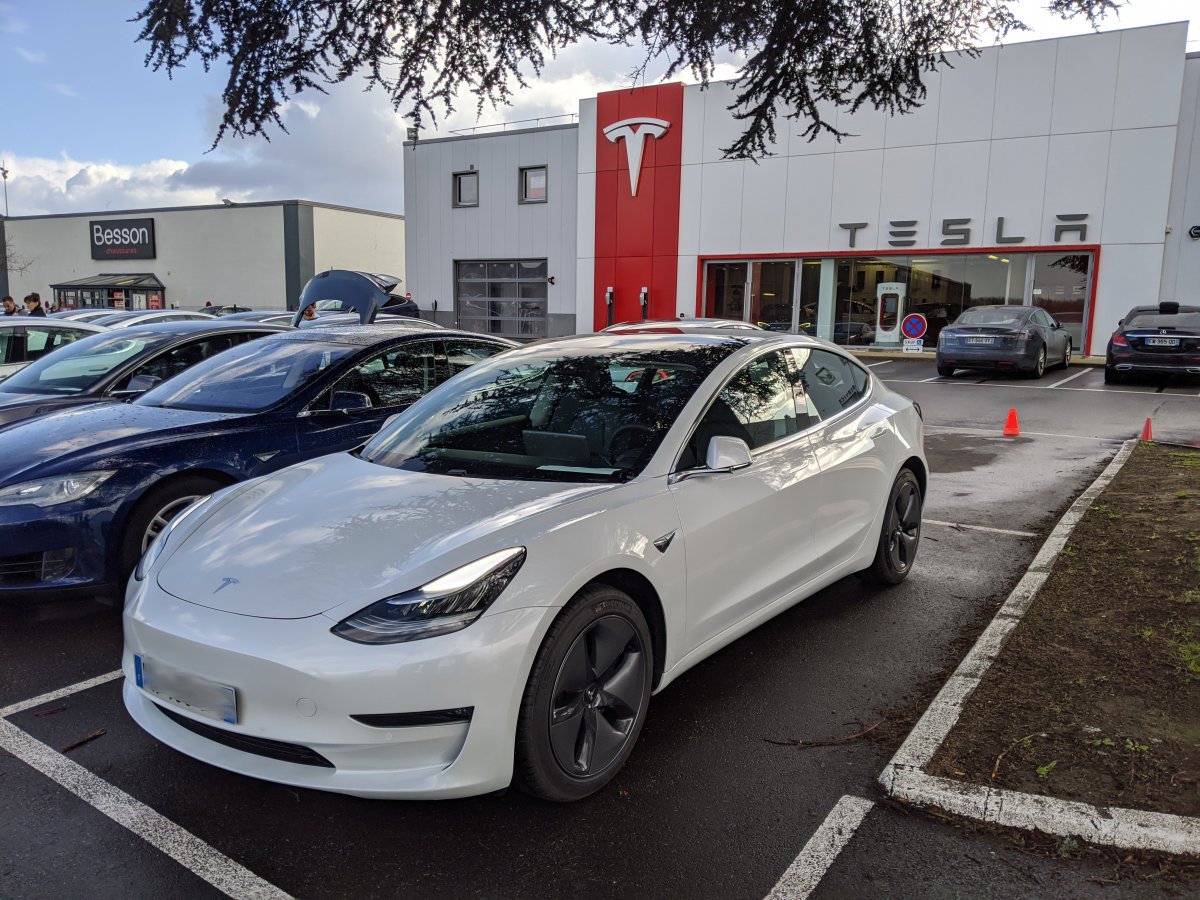
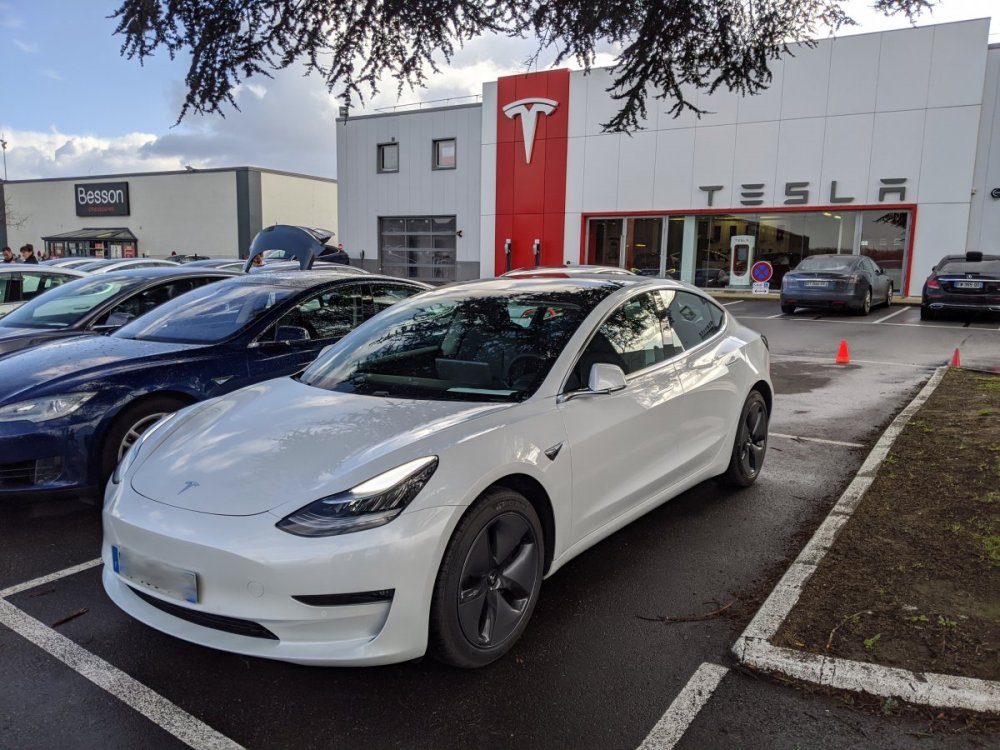
  5. Bonjour, Je m'appelle, Yoann, 31 ans, je viens d’acquérir ma M3 Long Range cette semaine. Je bosse en tant que développeur et j'habite dans le 59 ! J'ai déjà acheter le petit spoiler de la version performance J'attends les beaux jours pour l'installer. À bientôt sur le forum !
  6. yop_59 a répondu à un sujet de nderoche dans Tesla
    Super idée ! j'aurais dû faire pareil Je participe !

Account

Navigation

Rechercher

Rechercher

Configure browser push notifications

Chrome (Android)
  1. Tap the lock icon next to the address bar.
  2. Tap Permissions → Notifications.
  3. Adjust your preference.
Chrome (Desktop)
  1. Click the padlock icon in the address bar.
  2. Select Site settings.
  3. Find Notifications and adjust your preference.