




Aller au contenu
View in the app

A better way to browse. Learn more.

Forum Automobile Propre

A full-screen app on your home screen with push notifications, badges and more.

To install this app on iOS and iPadOS
  1. Tap the Share icon in Safari
  2. Scroll the menu and tap Add to Home Screen.
  3. Tap Add in the top-right corner.
To install this app on Android
  1. Tap the 3-dot menu (⋮) in the top-right corner of the browser.
  2. Tap Add to Home screen or Install app.
  3. Confirm by tapping Install.

yterza

Membre
  • Inscription

  • Dernière visite

  1. yterza a répondu à un sujet de LionelS2 dans Hyundai Kona électrique
    Bonjour, Savez vous si c’est compatible avec la version facelift ? Merci
  2. yterza a répondu à un sujet de Benny_Hill dans La recharge
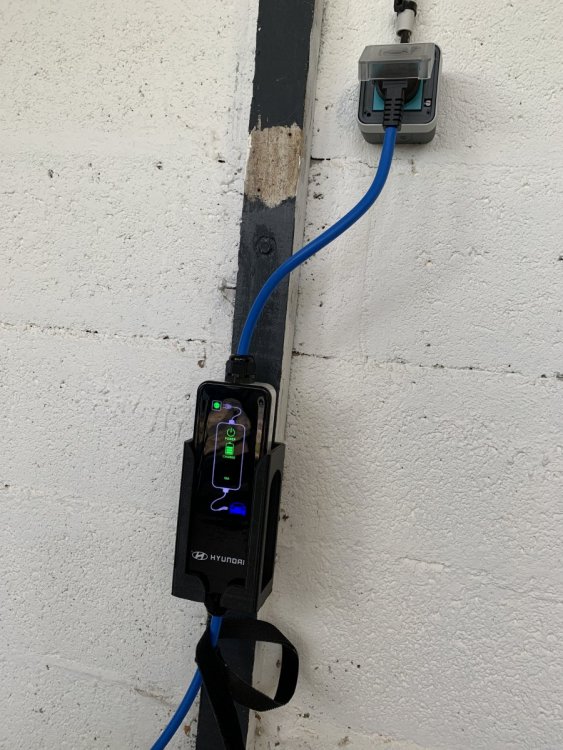
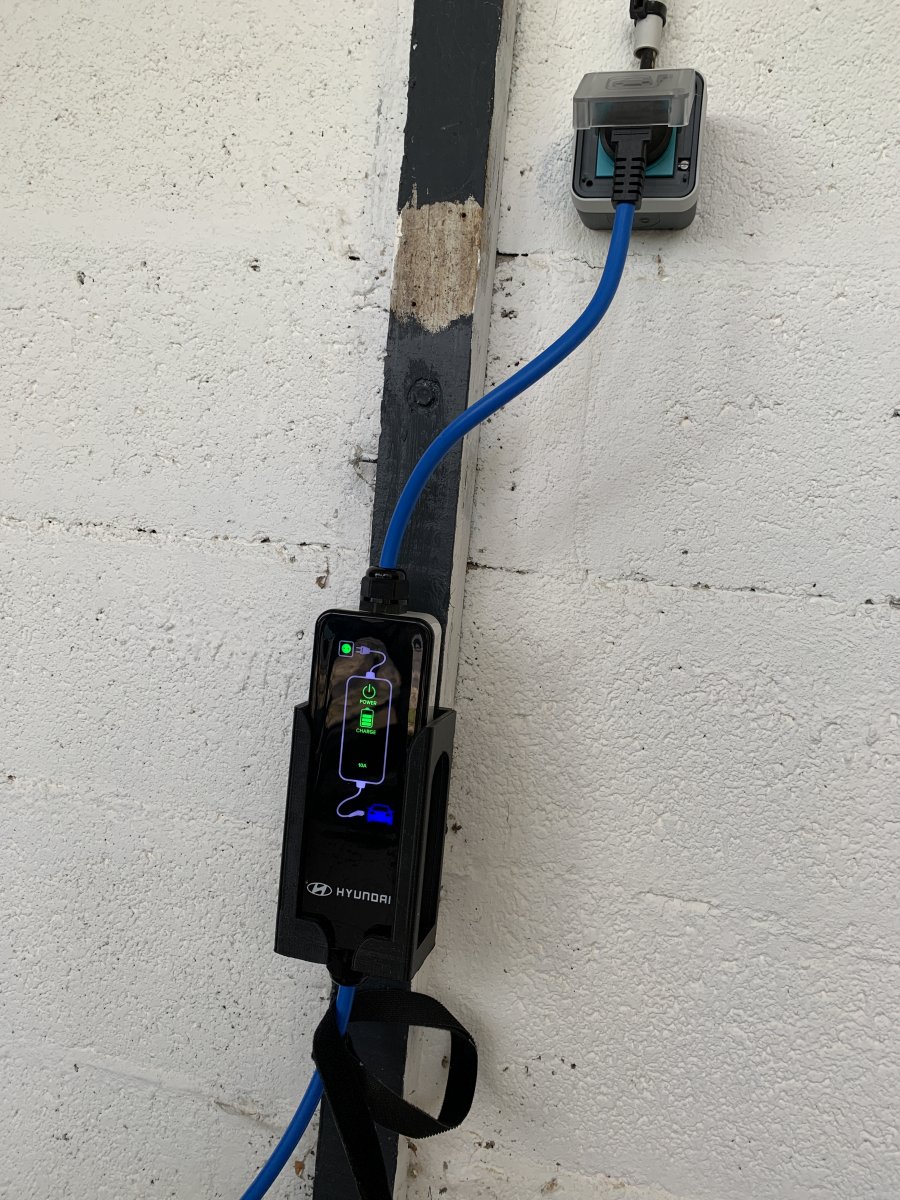
    Salut, J’ai pour ma part adapté et imprimé un support fait pour le E soul
  3. Bonjour à tous, Je vous lis depuis un moment car je m'intéresse globalement aux technologies et plus particulièrement aux voitures électriques ces derniers temps. Des signes de faiblesses de ma peugeot 207 mazout et la baisse du bonus à la fin du mois m'ont fait accélérer : je serai bientôt locataire d'un Kona 64kWh ! A bientôt, Julien

Account

Navigation

Rechercher

Rechercher

Configure browser push notifications

Chrome (Android)
  1. Tap the lock icon next to the address bar.
  2. Tap Permissions → Notifications.
  3. Adjust your preference.
Chrome (Desktop)
  1. Click the padlock icon in the address bar.
  2. Select Site settings.
  3. Find Notifications and adjust your preference.