.png.9a21db2a5b0957dcea5e1c956b437b7c.png)

Flodu31
Membre
-
Inscription
-
Dernière visite
-
Pareil que le tuto video. Ca marchait très bien avant. j’ai essayé en root et pas de problème
-
Meme erreur pour moi…
-
Pour ma part, j'ai juste mon Home Assistant publié sur Internet, avec un certificat Let's Encrypt et un IPS devant. Ensuite, seul le home assistant discute dans mon LAN, avec le script de flobz.
-
Pour ceux qui veulent faire l'intégration: HomeAssistant-PeugeotIntegration/README.md at main · Flodu31/HomeAssistant-PeugeotIntegration (github.com)
-
D'accord merci @Fender et du coup, quel est la solution? Merci. Florent
-
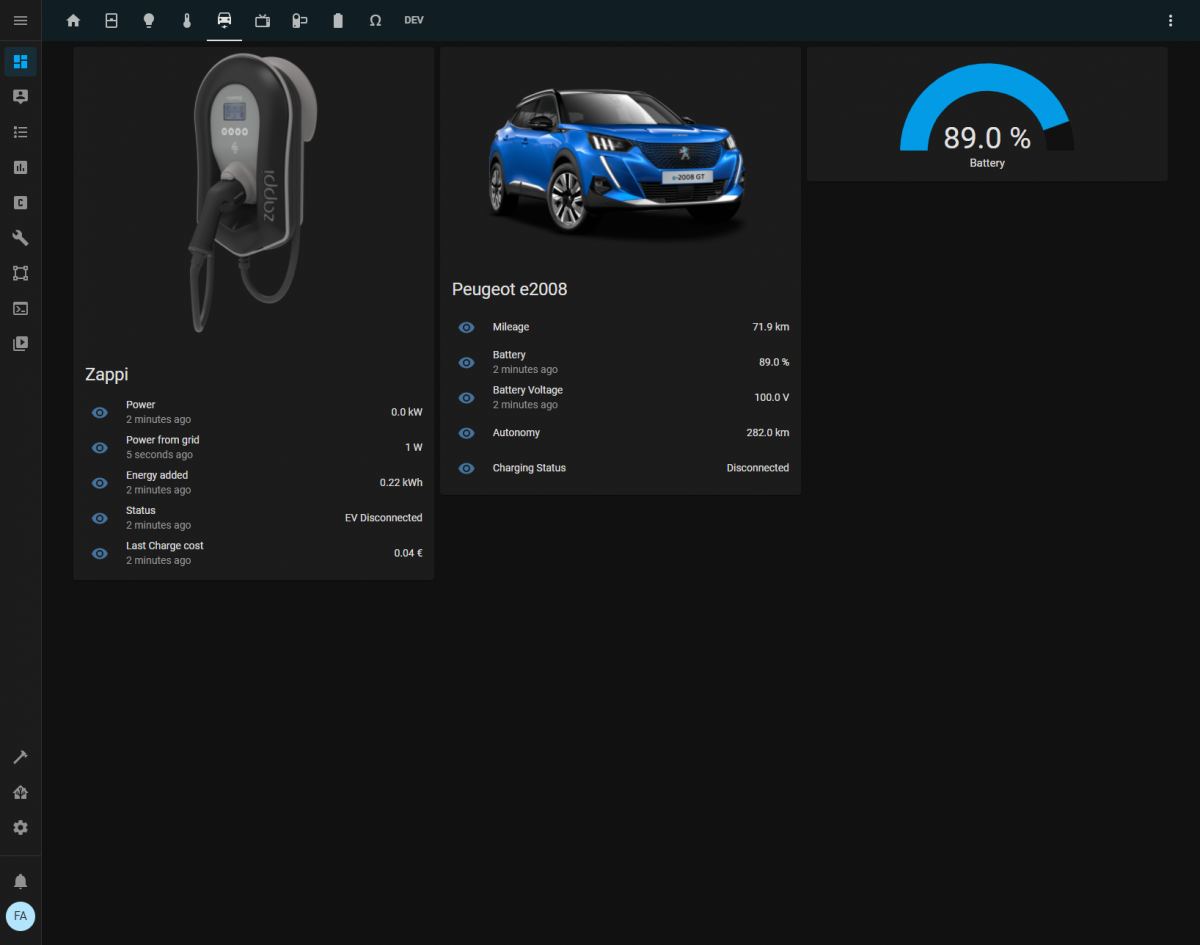
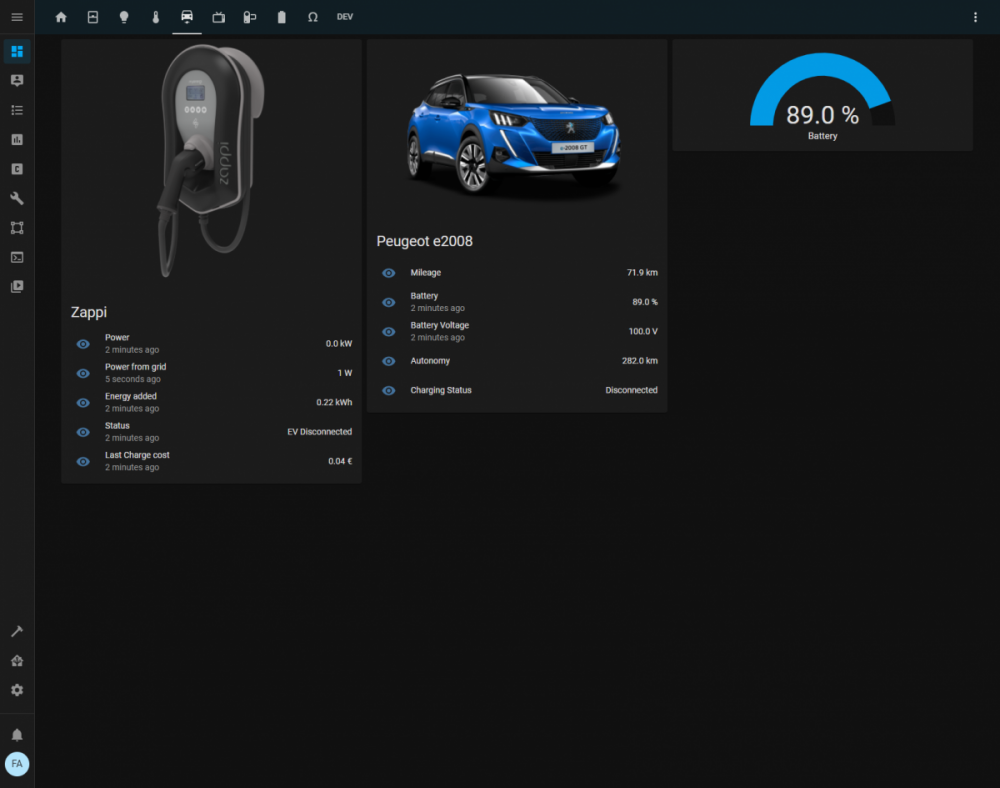
Bonjour à tous, Grâce à ce super script, j'ai pu l'intégrer dans mon Home Assistant: Voila, il va falloir que je paufine tout ça Merci encore @flobz pour le développement. Florent
-
Bonjour @Tiph Du nouveau concernant la version Open Source? Merci bien Florent
-
Excellent, vivement une version OpenSource Perso, j'ai ce qu'il faut pour l'héberger à la maison ou sur un serveur externe. Merci d'avance. Florent
-
Yes merci et la web app?
-
Hello @Tiph C'est une web app? car elle ressemble de fou à une appli Super boulot en tout cas. Les sources sont sur un github ou autre? Merci et à bientôt. Florent
-
Bonjour à tous, Florent, ingé en informatique et plus précisement Cloud, je reçois mon e2008 fin Mars, en théorie. Je vis à côté de Bruxelles, mais je suis de Toulouse à l'origine. Mon but, adapter ce qu'à fait @flobz pour Jeedom, mais pour Home Assistant :) À bientôt Florent