




Aller au contenu
View in the app

A better way to browse. Learn more.

Forum Automobile Propre

A full-screen app on your home screen with push notifications, badges and more.

To install this app on iOS and iPadOS
  1. Tap the Share icon in Safari
  2. Scroll the menu and tap Add to Home Screen.
  3. Tap Add in the top-right corner.
To install this app on Android
  1. Tap the 3-dot menu (⋮) in the top-right corner of the browser.
  2. Tap Add to Home screen or Install app.
  3. Confirm by tapping Install.

Alexis Stepnowski

Membre
  • Inscription

  • Dernière visite

  1. Bonjour, comment as tu consulté ces informations à partir de ton vin ?
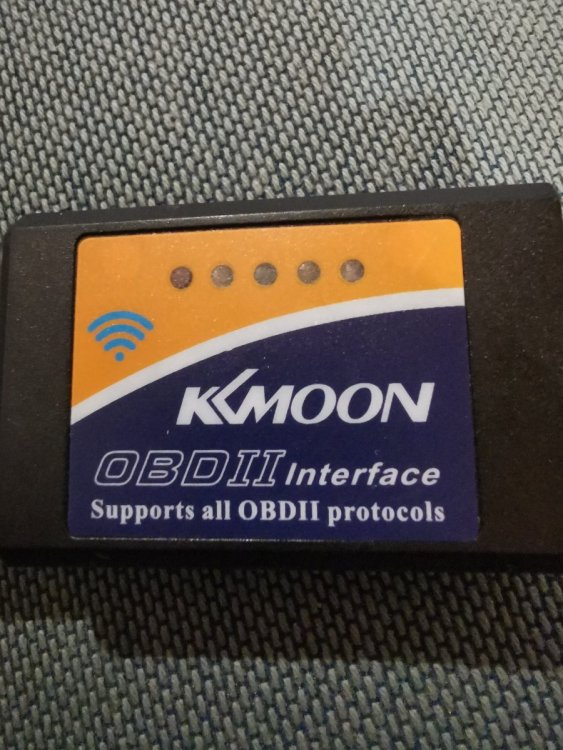
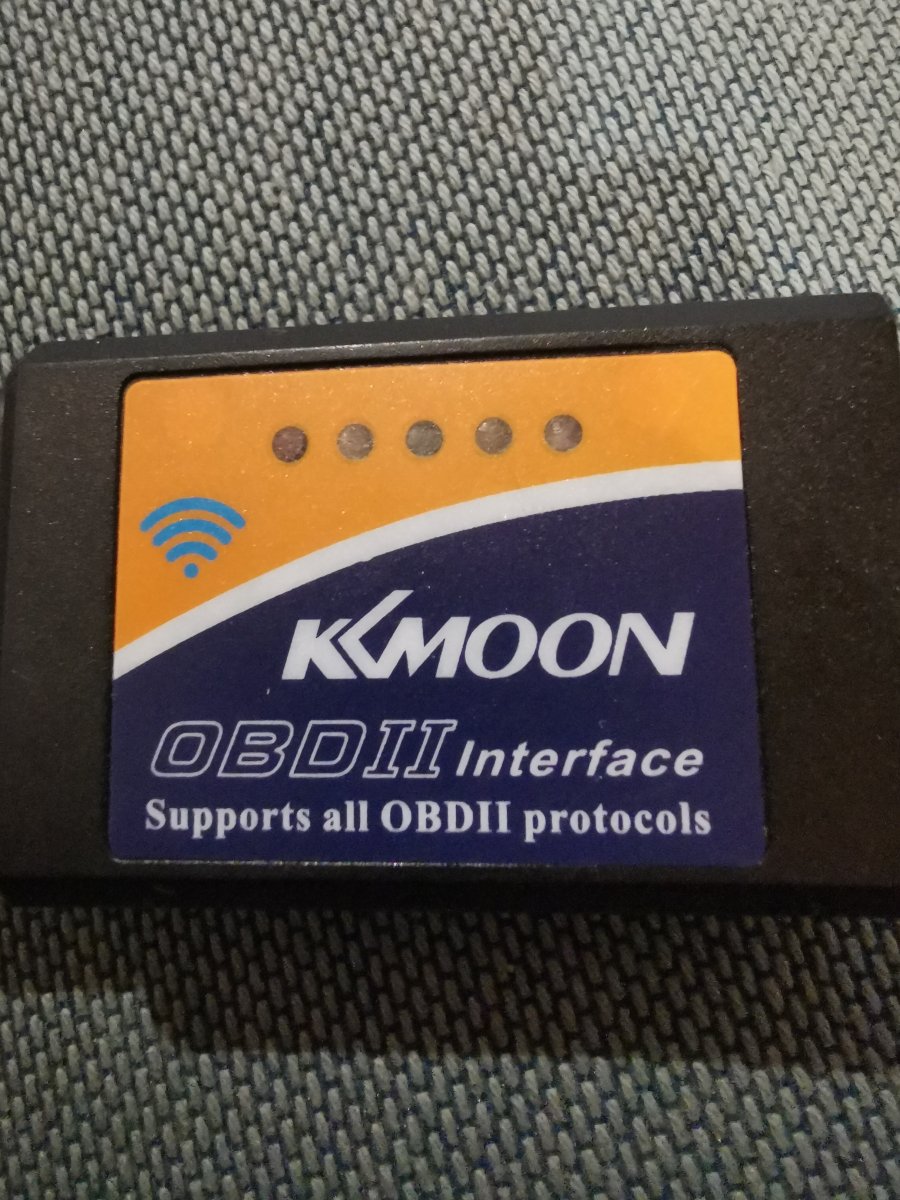
  2. Bonsoir, Après lecture et relecture des différentes pages, je suis paumé ! Je possède un obd2 wifi, ainsi qu'un smartphone Android. J'ai acheté Torque Pro et téléchargé Evnotify. Sur torque, j'arrive à me connecter mais j'ai accès à aucune Info ?! Sur plusieurs véhicules thermiques, aucun souci pour accéder à l'écu, consulter/effacer les défauts. Sur evnotify, impossible de le faire fonctionner, est-ce que cette appli fonctionne uniquement en Bluetooth ? Je suis preneur de toute info pour avancer sur le sujet. Merxi
  3. Bonjour, Propriétaire depuis la 1er juillet 2020 d'un kona 64kw executive. J'aime la technologie et je suis ici pour aller plus loin que l'agréable conduite de ce véhicule. Merci pour votre contenu

Account

Navigation

Rechercher

Rechercher

Configure browser push notifications

Chrome (Android)
  1. Tap the lock icon next to the address bar.
  2. Tap Permissions → Notifications.
  3. Adjust your preference.
Chrome (Desktop)
  1. Click the padlock icon in the address bar.
  2. Select Site settings.
  3. Find Notifications and adjust your preference.