-
Q4 e-tron / Conso et autonomie
Pour être Franc je préfère mon GLE HYBRIDE, le Q4 est à ma femme IMG_7552.jp2
-
Q4 e-tron / Conso et autonomie
Quel est ton autonomie ?
-
Q4 e-tron / Conso et autonomie
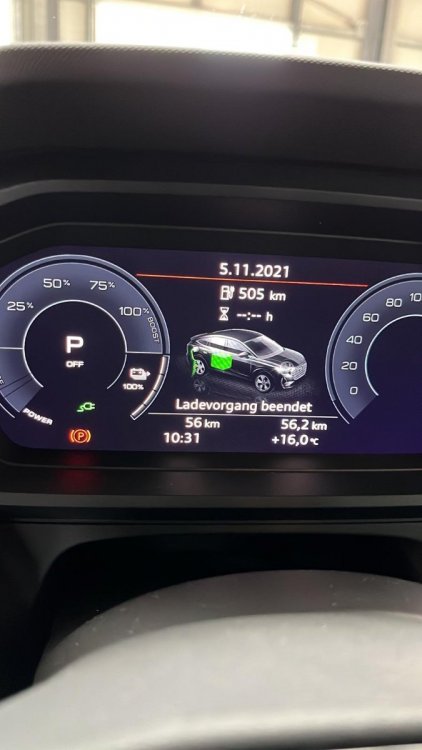
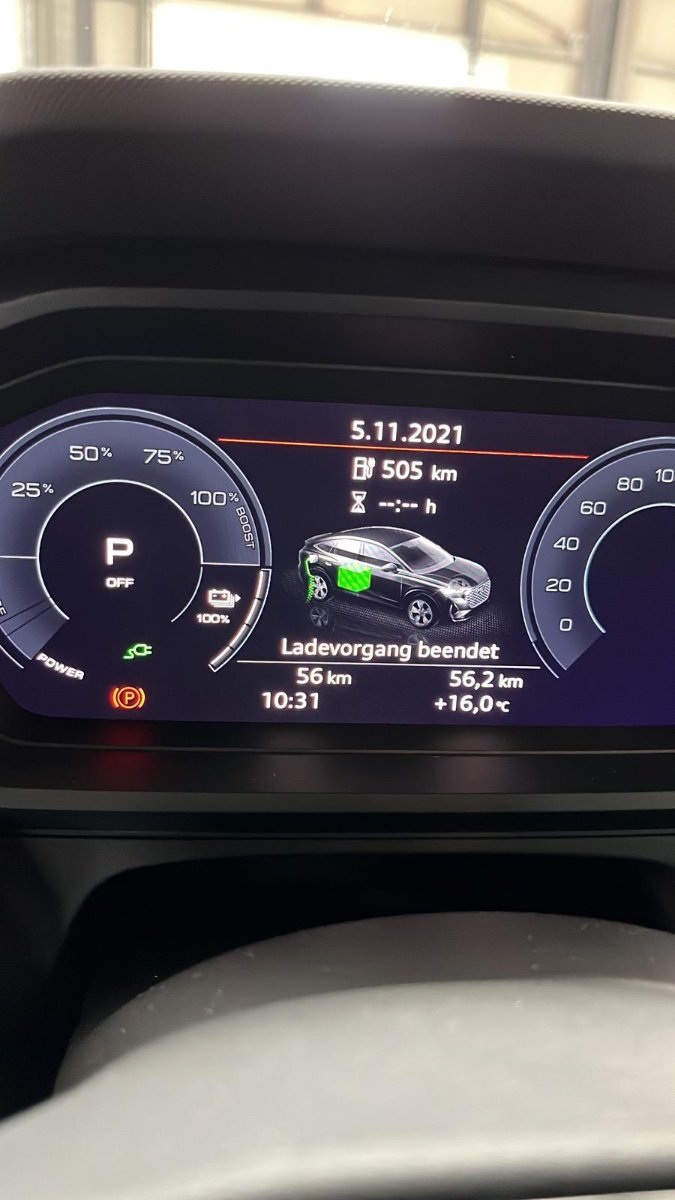
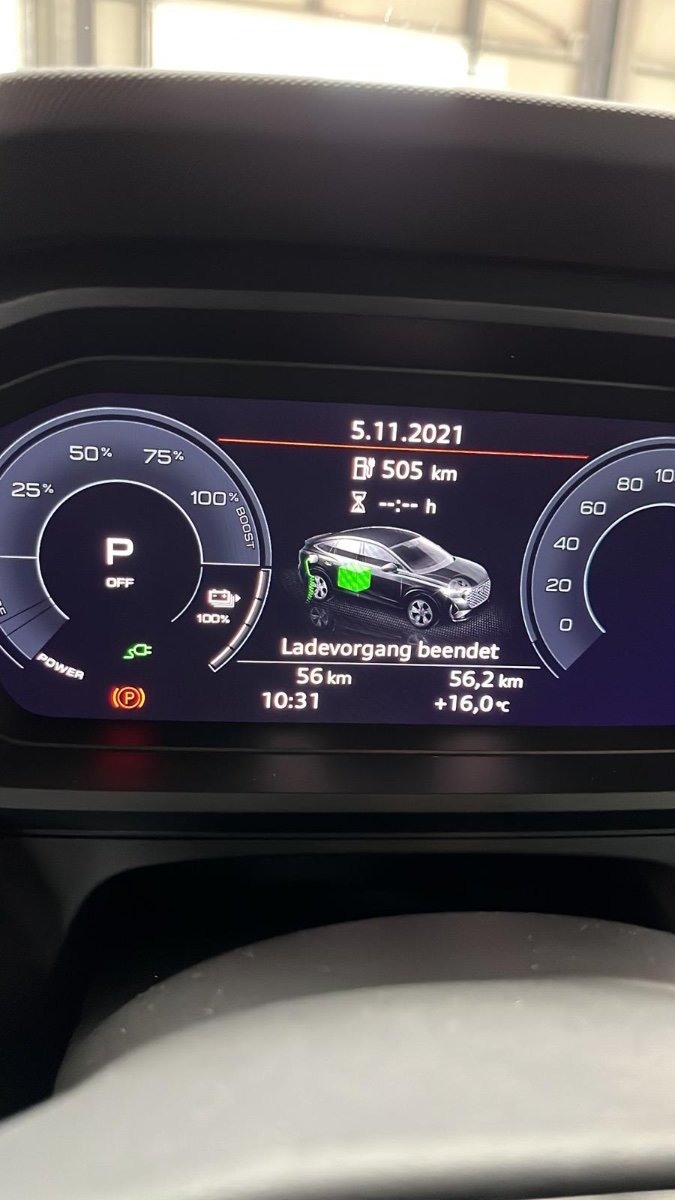
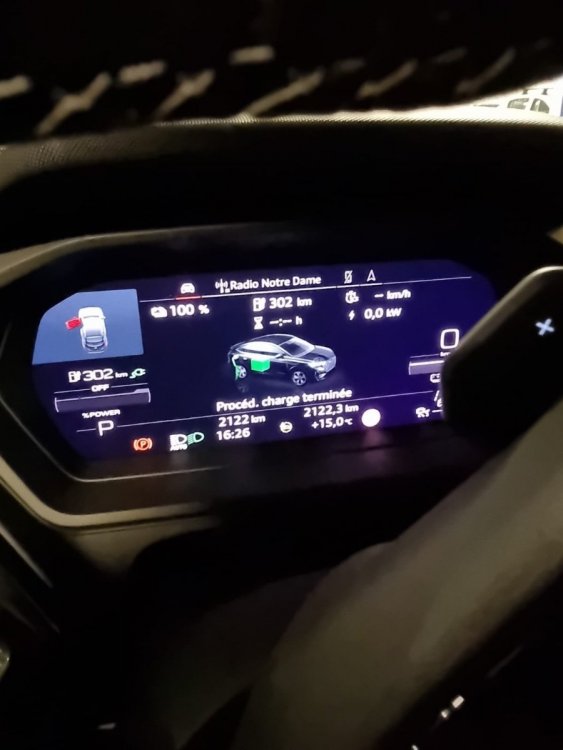
Merci pour la réponse, 505 km ce qui était affiché sur le tableau de bord quand nous avons récupérer le véhicule à la concession, nous devions faire 1000 km afin de la ramener chez nous voila pourquoi la charge de 100%, en rentrant de Normandie ce week end nous l'avons chargé à 100% sinon le véhicule est rarement à 100%. Nous réglons la jauge de charge à 80% pour un usage quotidien.
-
Q4 e-tron / Conso et autonomie
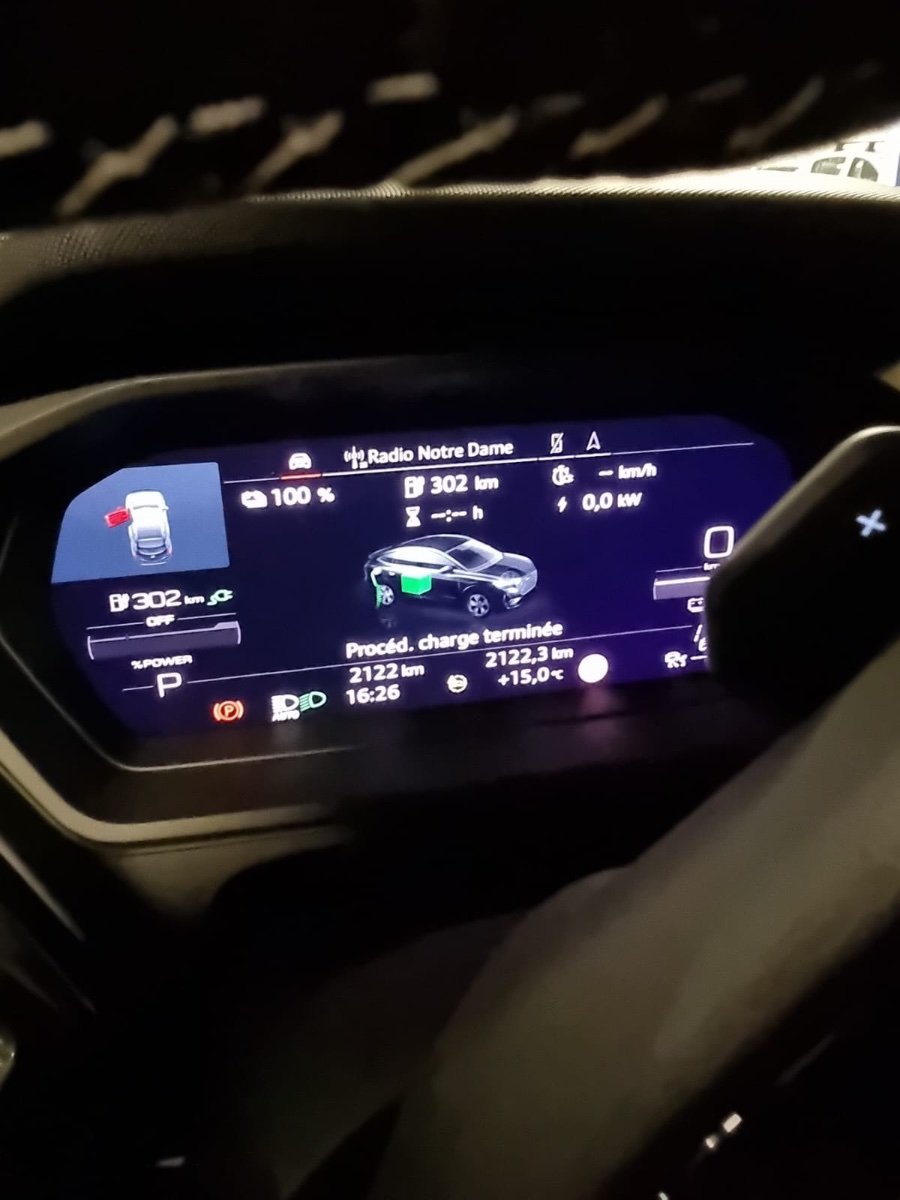
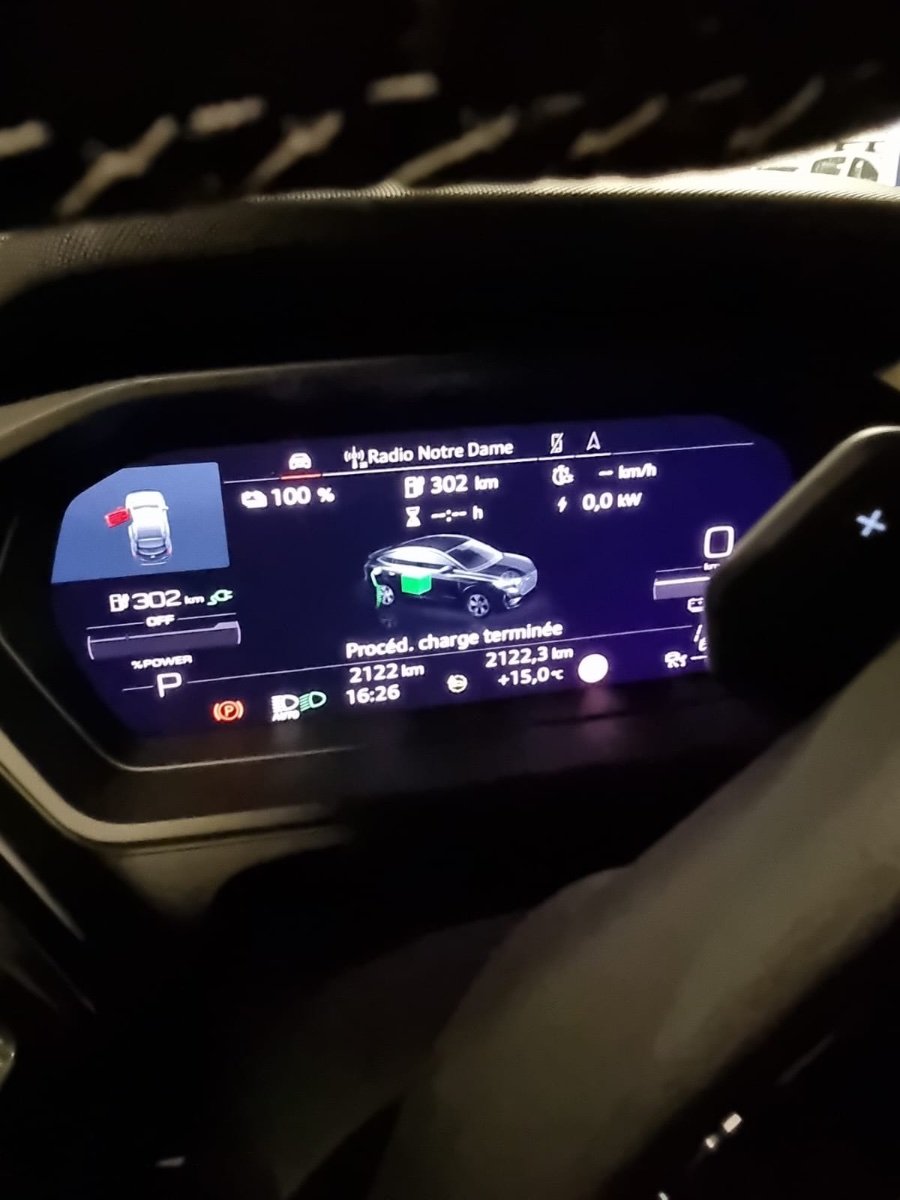
Difference de 203km Km d'autonomie entre l'achat du véhicule le 05/11 ( 505 km Autonomie) et Hier 20/12 ( 302 km Autonomie) en pleine charge, Quelqu'un peux m'expliquer pourquoi ?
-
Q4 e-tron / Conso et autonomie
- Q4 e-tron / Conso et autonomie
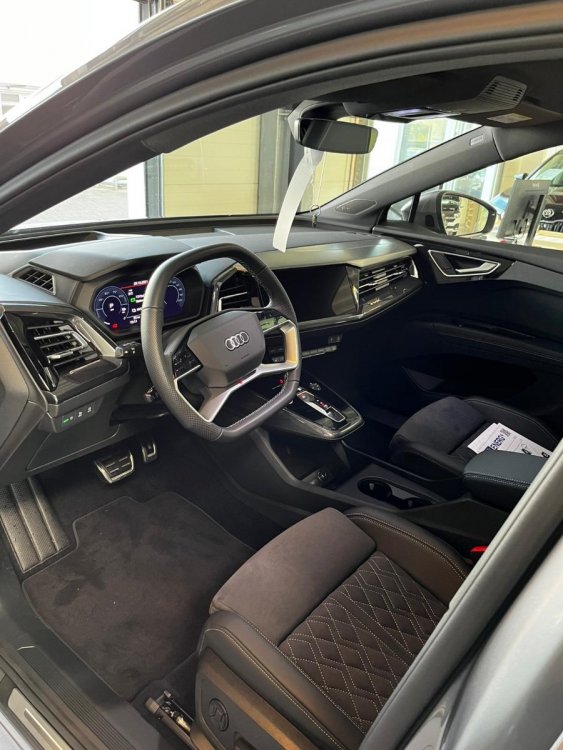
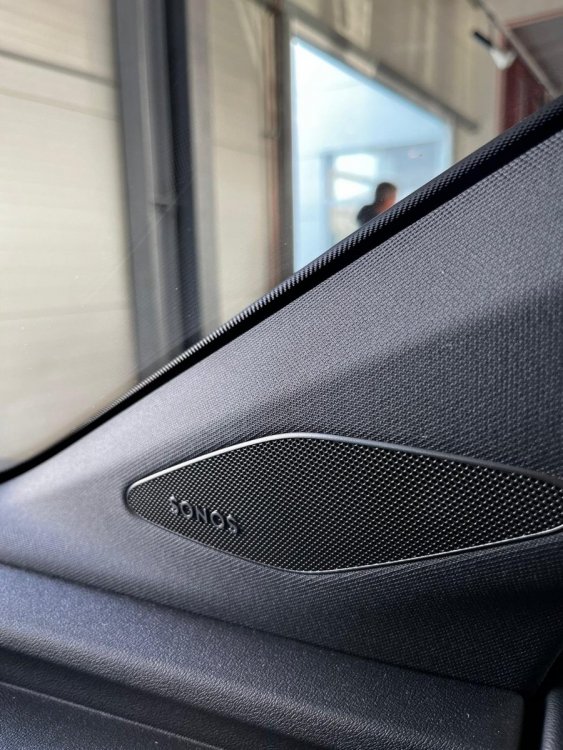
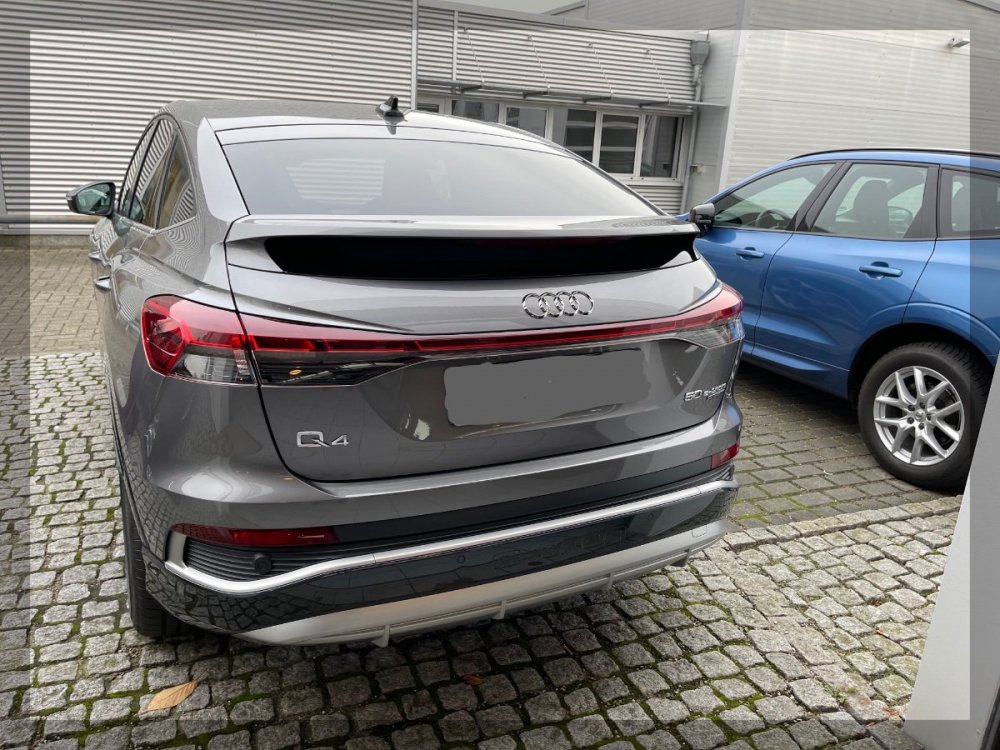
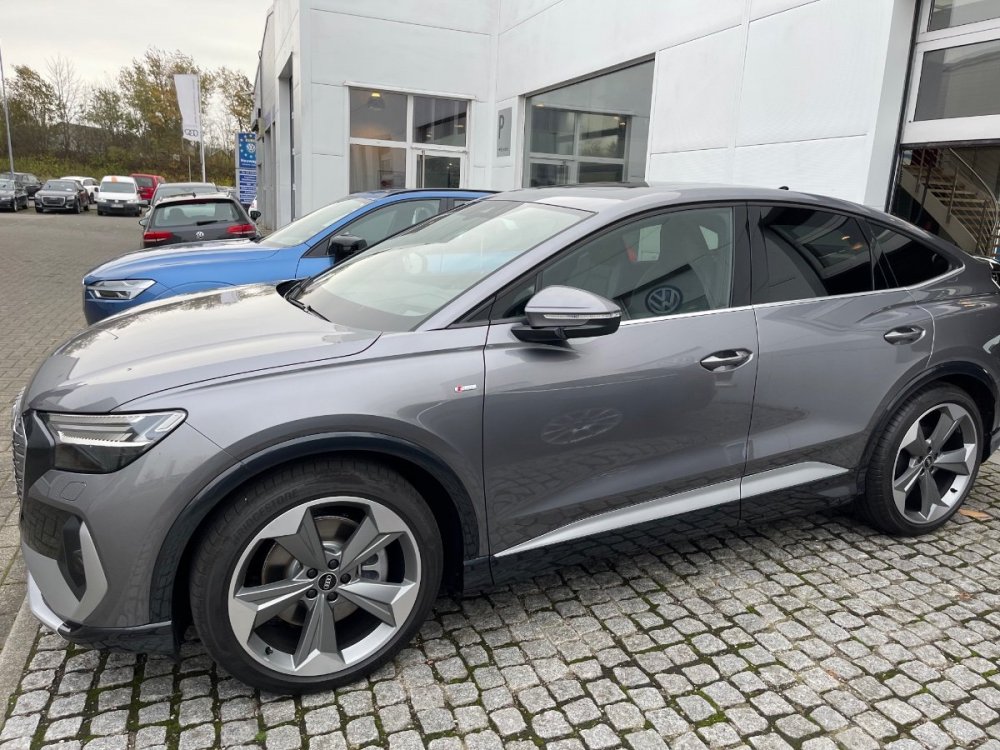
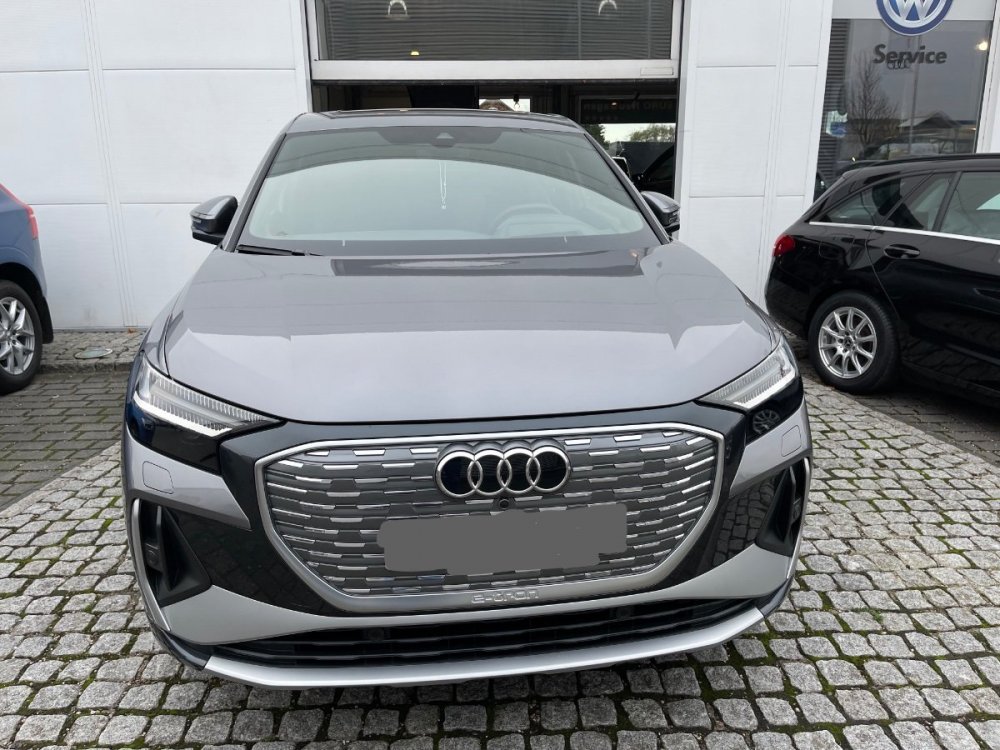
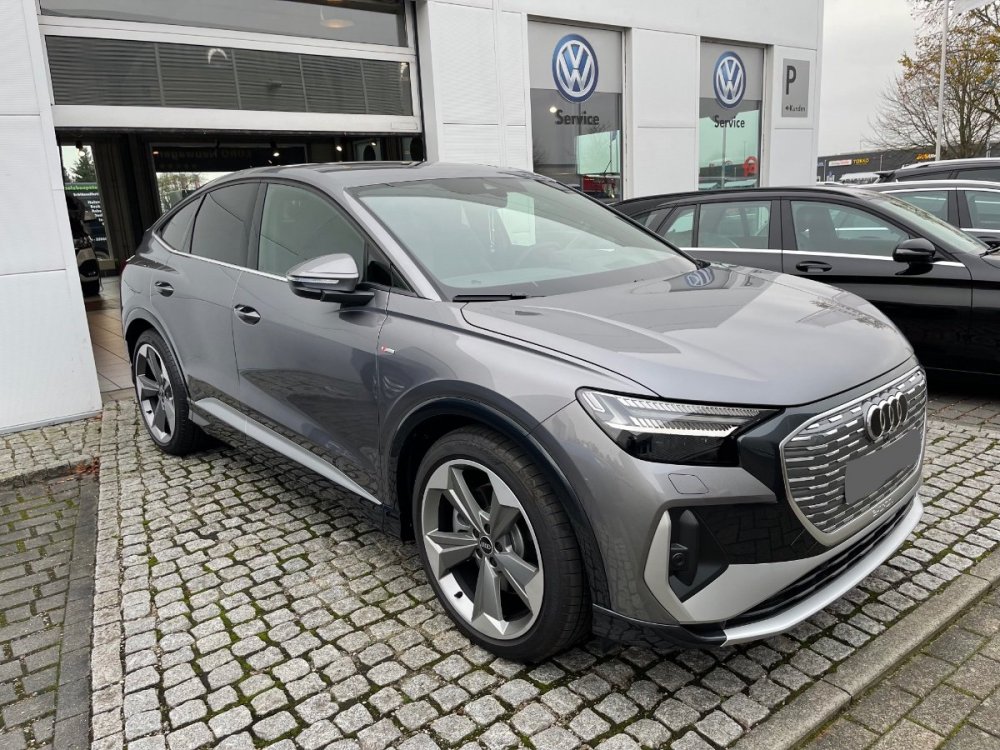
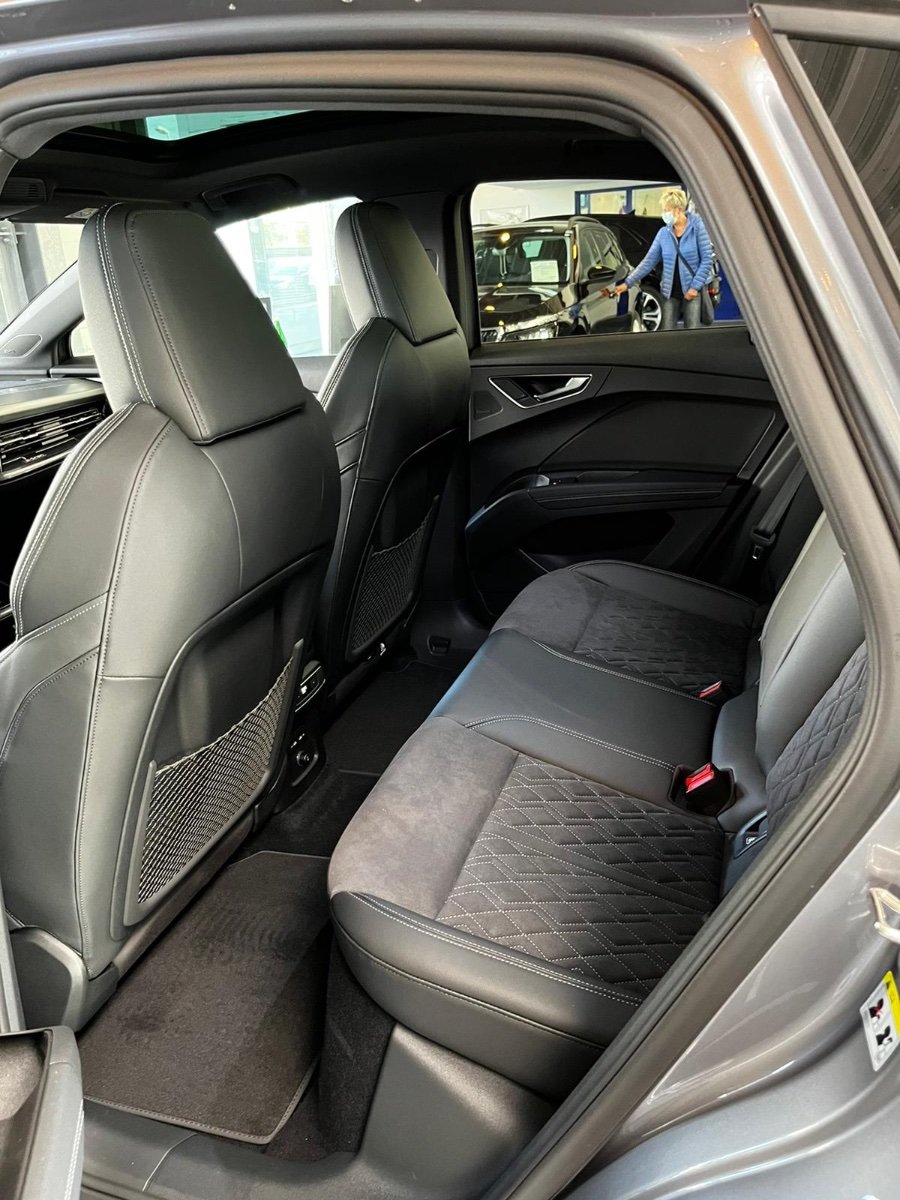
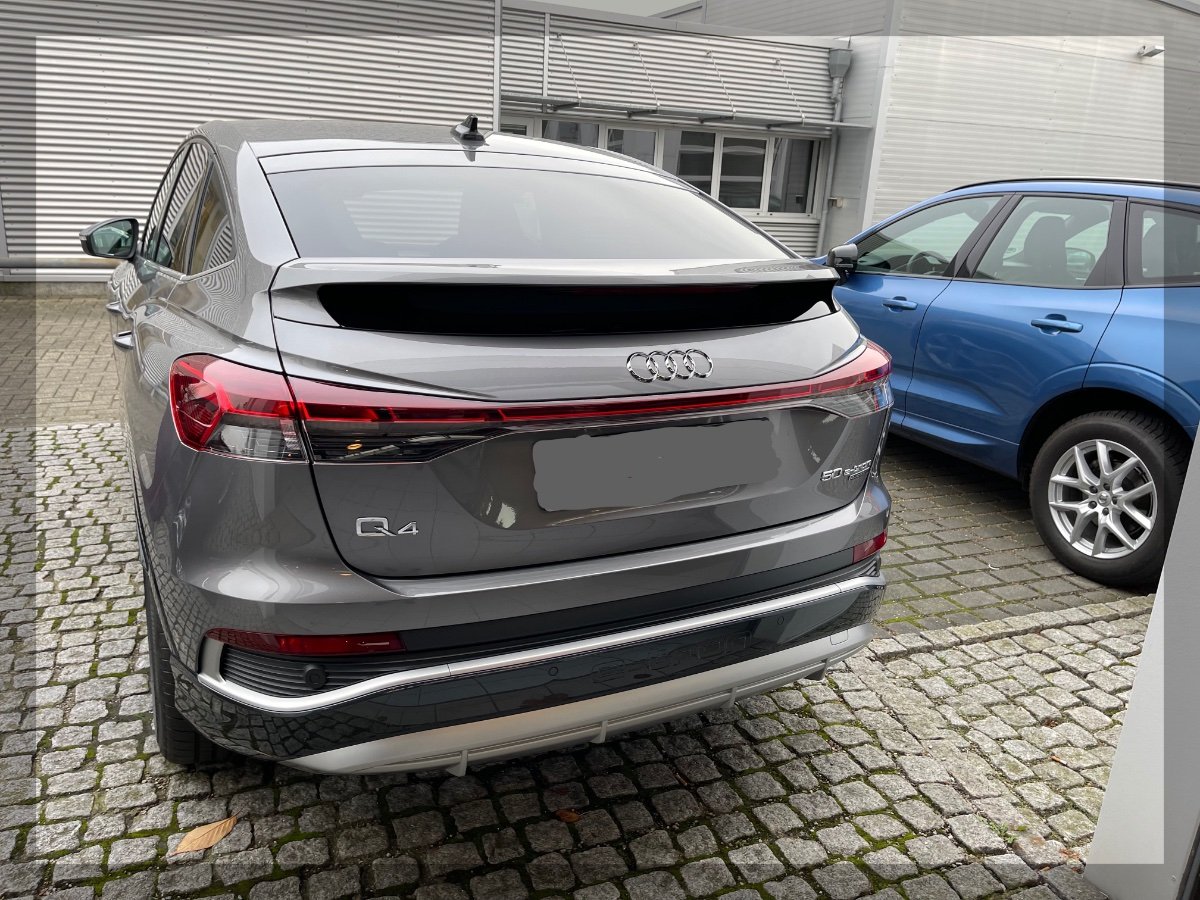
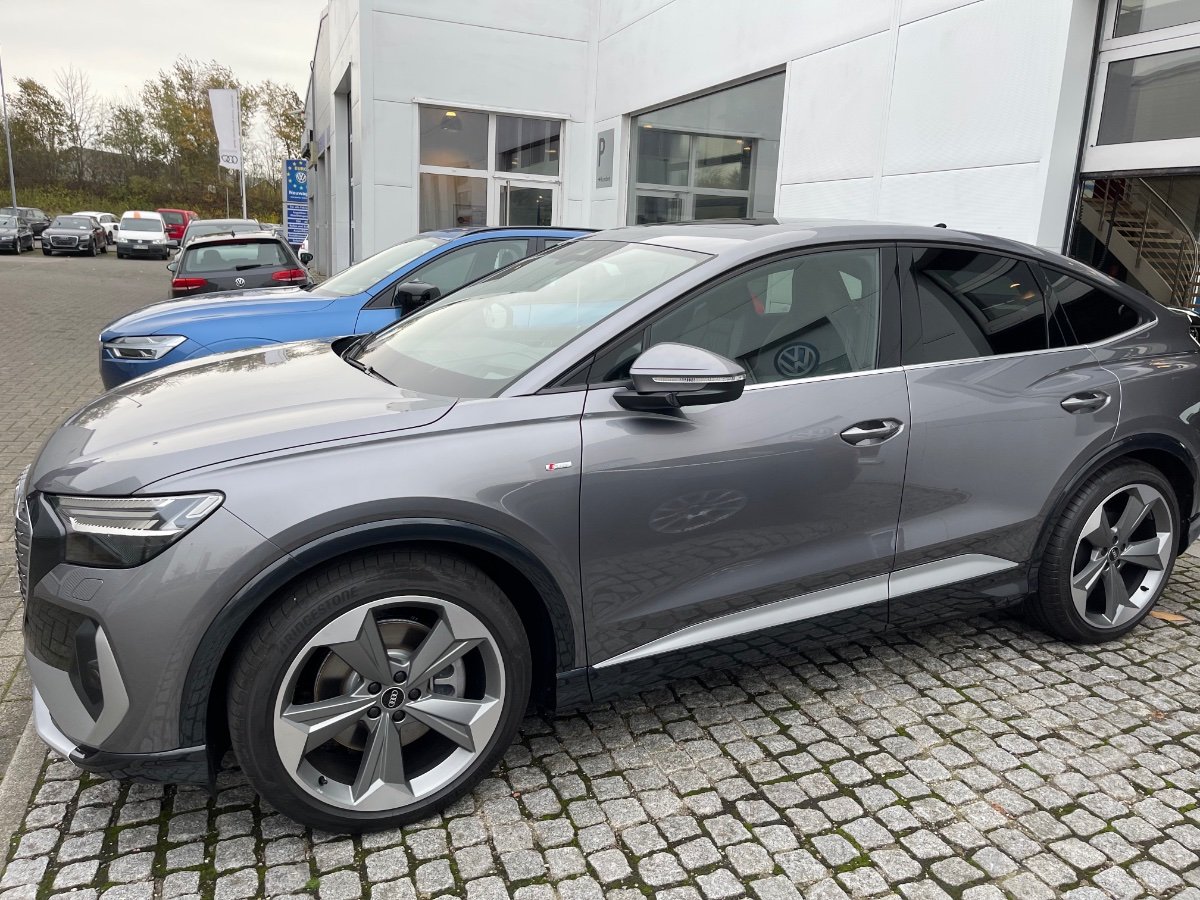
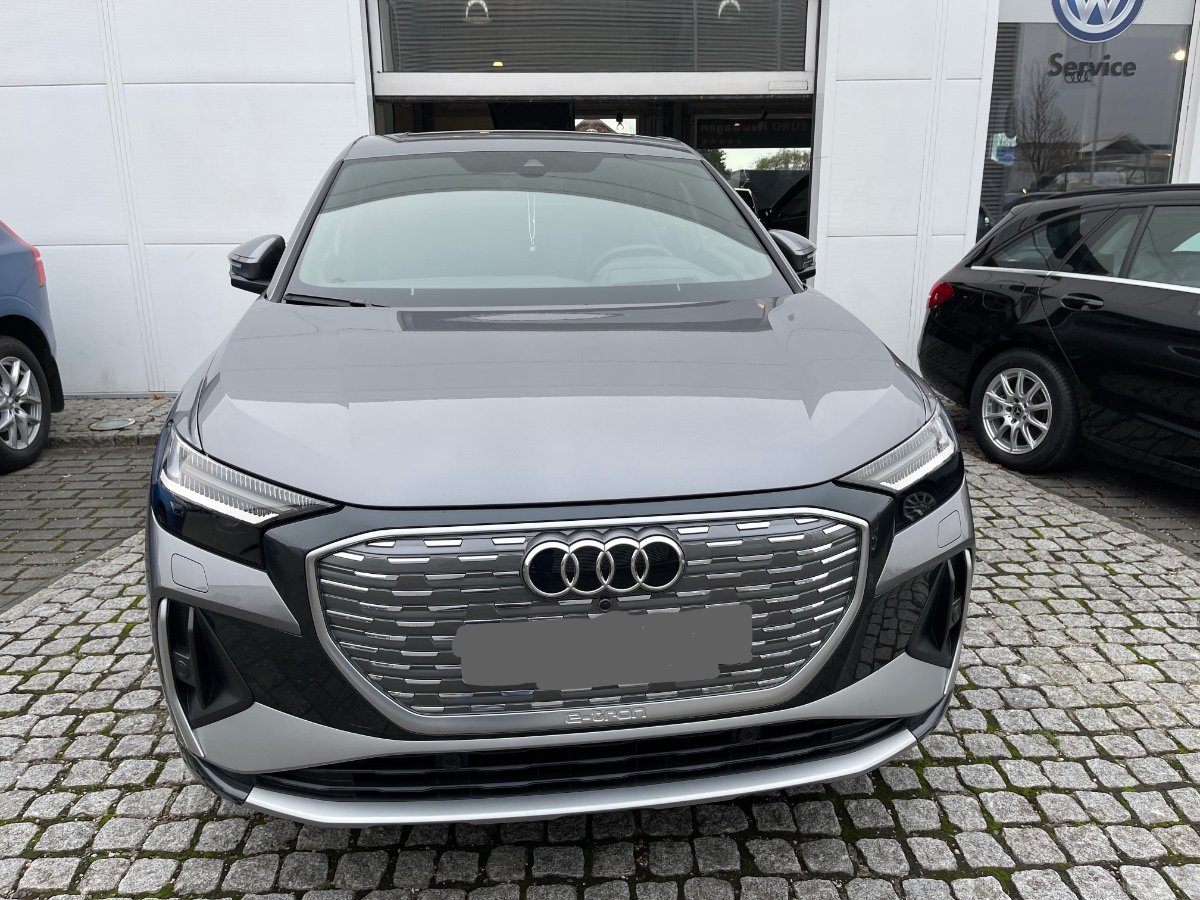
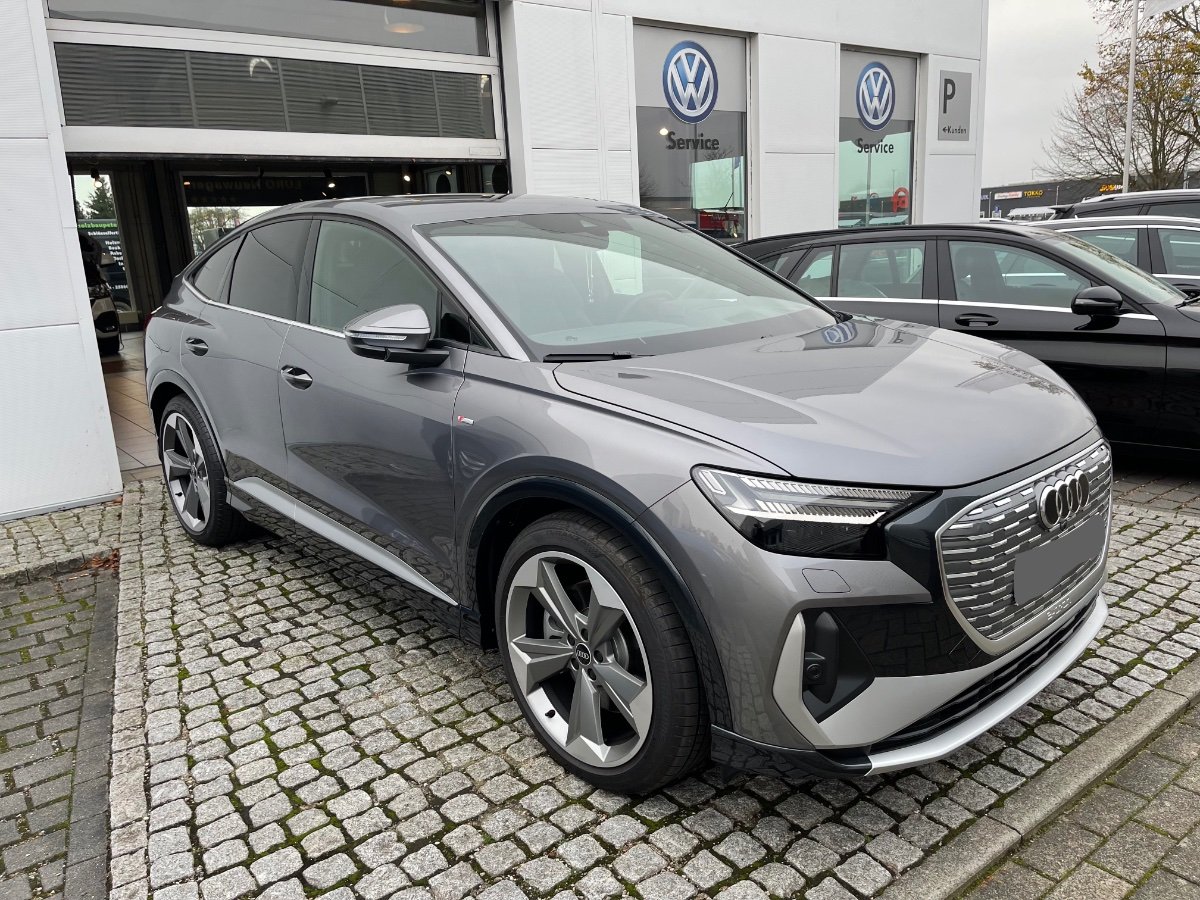
Vehicule neuf récupéré le 05/11/2021 concession Allemande, il est au chaud dans mon box- Q4 e-tron / Conso et autonomie
- Nouveau Membre
MERCI- Nouveau Membre
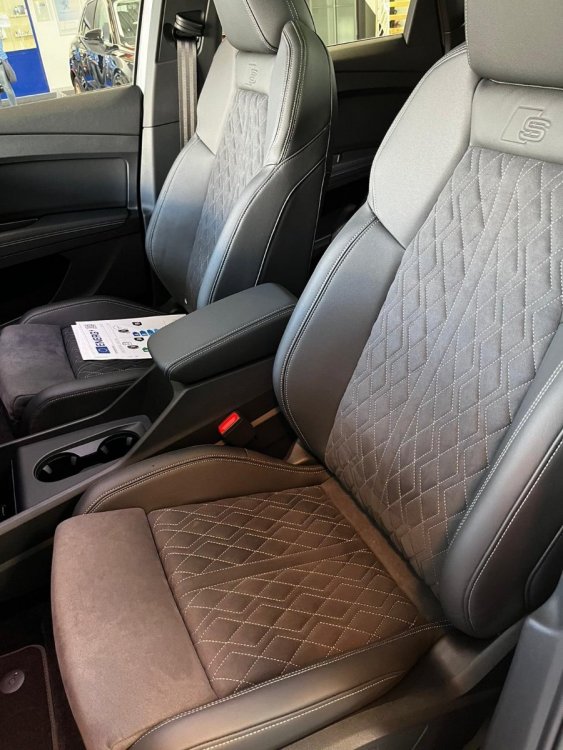
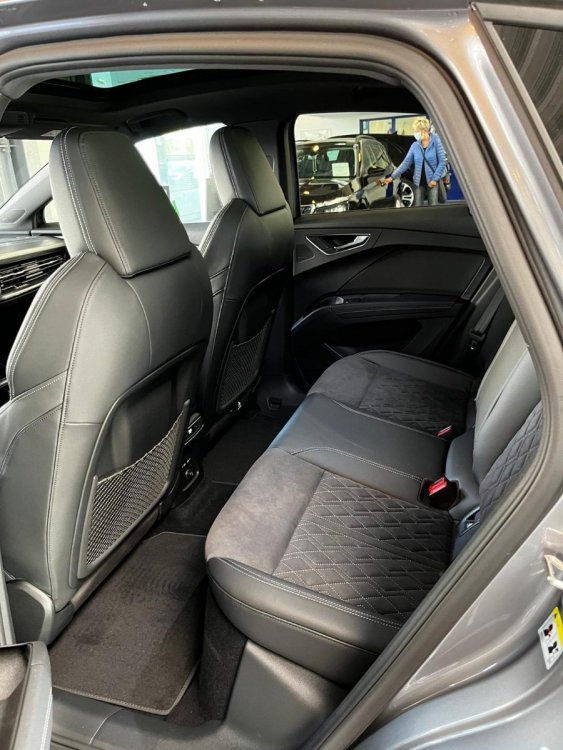
Bonjour, Je me presente je m'appelle Mohamed propriétaire d'un Q4 e tron 50 quattro S line Full option 11/2021 - Q4 e-tron / Conso et autonomie

Ririboss
Membre
-
Inscription
-
Dernière visite
Account
Navigation
Rechercher
Configure browser push notifications
Chrome (Android)
- Tap the lock icon next to the address bar.
- Tap Permissions → Notifications.
- Adjust your preference.
Chrome (Desktop)
- Click the padlock icon in the address bar.
- Select Site settings.
- Find Notifications and adjust your preference.
Safari (iOS 16.4+)
- Ensure the site is installed via Add to Home Screen.
- Open Settings App → Notifications.
- Find your app name and adjust your preference.
Safari (macOS)
- Go to Safari → Preferences.
- Click the Websites tab.
- Select Notifications in the sidebar.
- Find this website and adjust your preference.
Edge (Android)
- Tap the lock icon next to the address bar.
- Tap Permissions.
- Find Notifications and adjust your preference.
Edge (Desktop)
- Click the padlock icon in the address bar.
- Click Permissions for this site.
- Find Notifications and adjust your preference.
Firefox (Android)
- Go to Settings → Site permissions.
- Tap Notifications.
- Find this site in the list and adjust your preference.
Firefox (Desktop)
- Open Firefox Settings.
- Search for Notifications.
- Find this site in the list and adjust your preference.