
Aller au contenu
View in the app

A better way to browse. Learn more.

Forum Automobile Propre

A full-screen app on your home screen with push notifications, badges and more.

To install this app on iOS and iPadOS
  1. Tap the Share icon in Safari
  2. Scroll the menu and tap Add to Home Screen.
  3. Tap Add in the top-right corner.
To install this app on Android
  1. Tap the 3-dot menu (⋮) in the top-right corner of the browser.
  2. Tap Add to Home screen or Install app.
  3. Confirm by tapping Install.

PatoSwitch

Membre
  • Inscription

  • Dernière visite

  1. PatoSwitch a modifié sa photo de profil
  2. PatoSwitch a répondu à un sujet de frdkenny dans La recharge
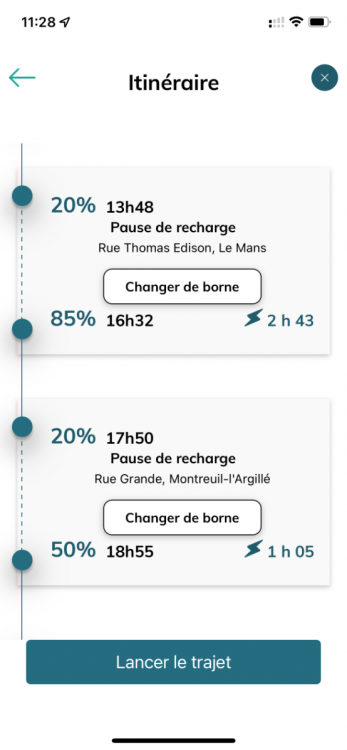
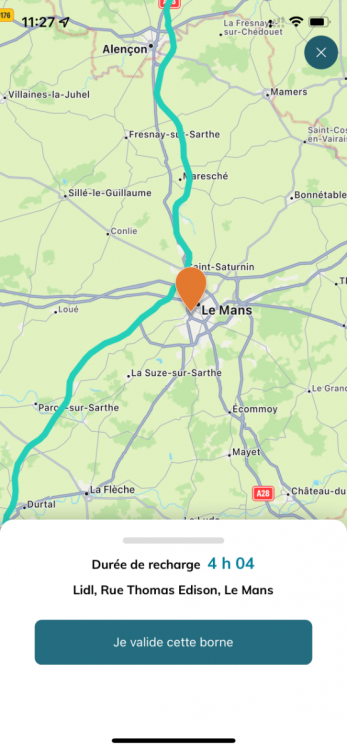
    Merci pour votre réponse. En effet pour un trajet Nantes le - Havre il me fait bien arrêter à une borne Ionity à charge rapide cependant il préconise un arrêt au Mans avec une durée de charge de 2h46 or j’imagine que dans cette grande ville il y a également des bornes de charge rapide mais l’application ne me les propose pas…
  3. PatoSwitch a répondu à un sujet de frdkenny dans La recharge
    Bonjour, Cette application est vraiment sympa, cependant pourquoi ne prend-t-elle pas en charge les prises Combo CCS EU ?
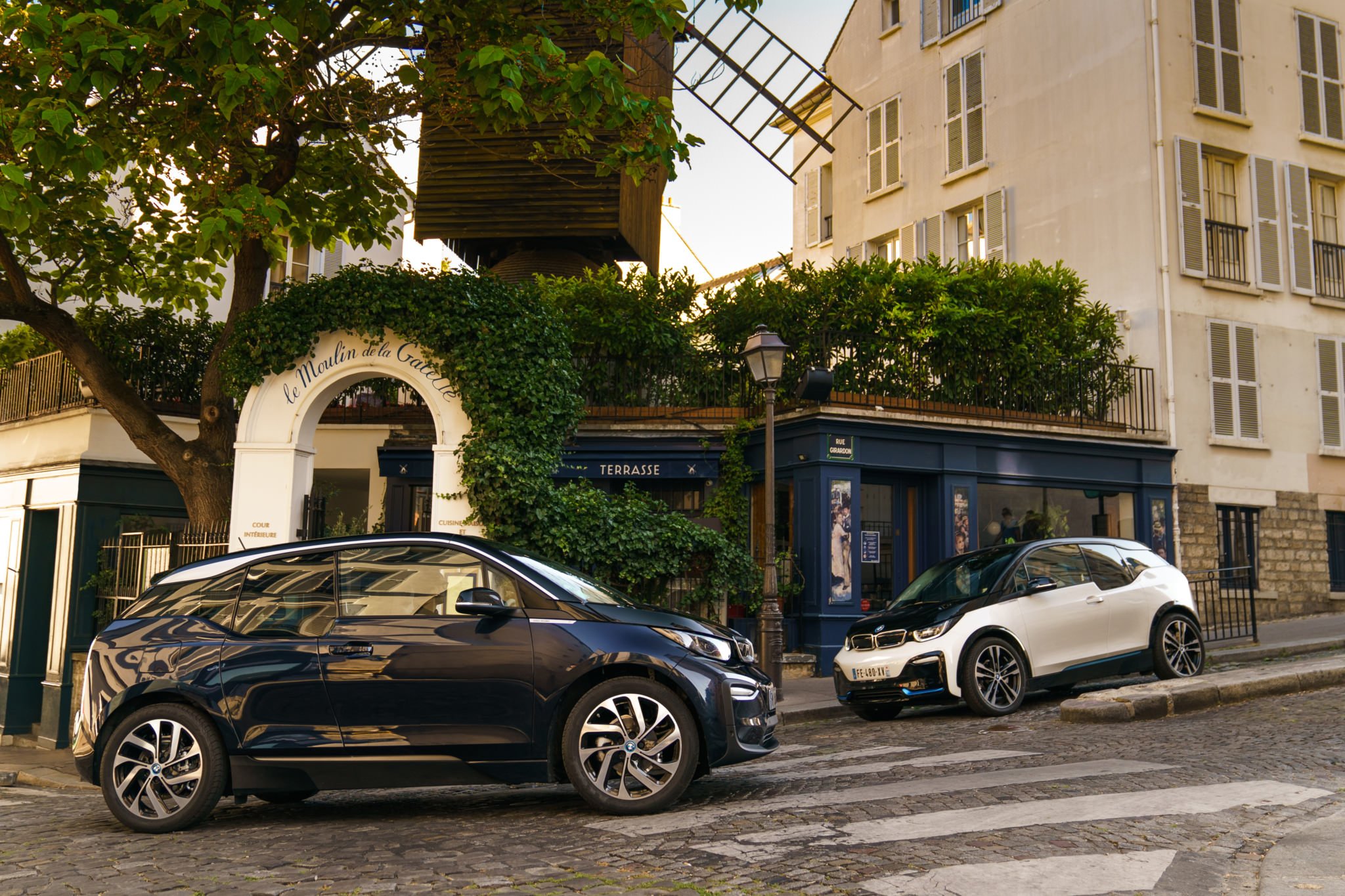
  4. Hello à tous, Patrice, propriétaire d’une BMW i3, édition WindMill. Ravi d’être inscrit sur ce forum est très heureux de ma nouvelle acquisition.

Account

Navigation

Rechercher

Rechercher

Configure browser push notifications

Chrome (Android)
  1. Tap the lock icon next to the address bar.
  2. Tap Permissions → Notifications.
  3. Adjust your preference.
Chrome (Desktop)
  1. Click the padlock icon in the address bar.
  2. Select Site settings.
  3. Find Notifications and adjust your preference.