laupas
Membre
-
Inscription
-
Dernière visite
-
Une sélection de mp3... Servez-vous ! PWS_Sound.zip
-
Oui, et aussitôt reçu, aussitôt installé ! Si tu as besoin...
-
Impatient d'entendre ça !
-
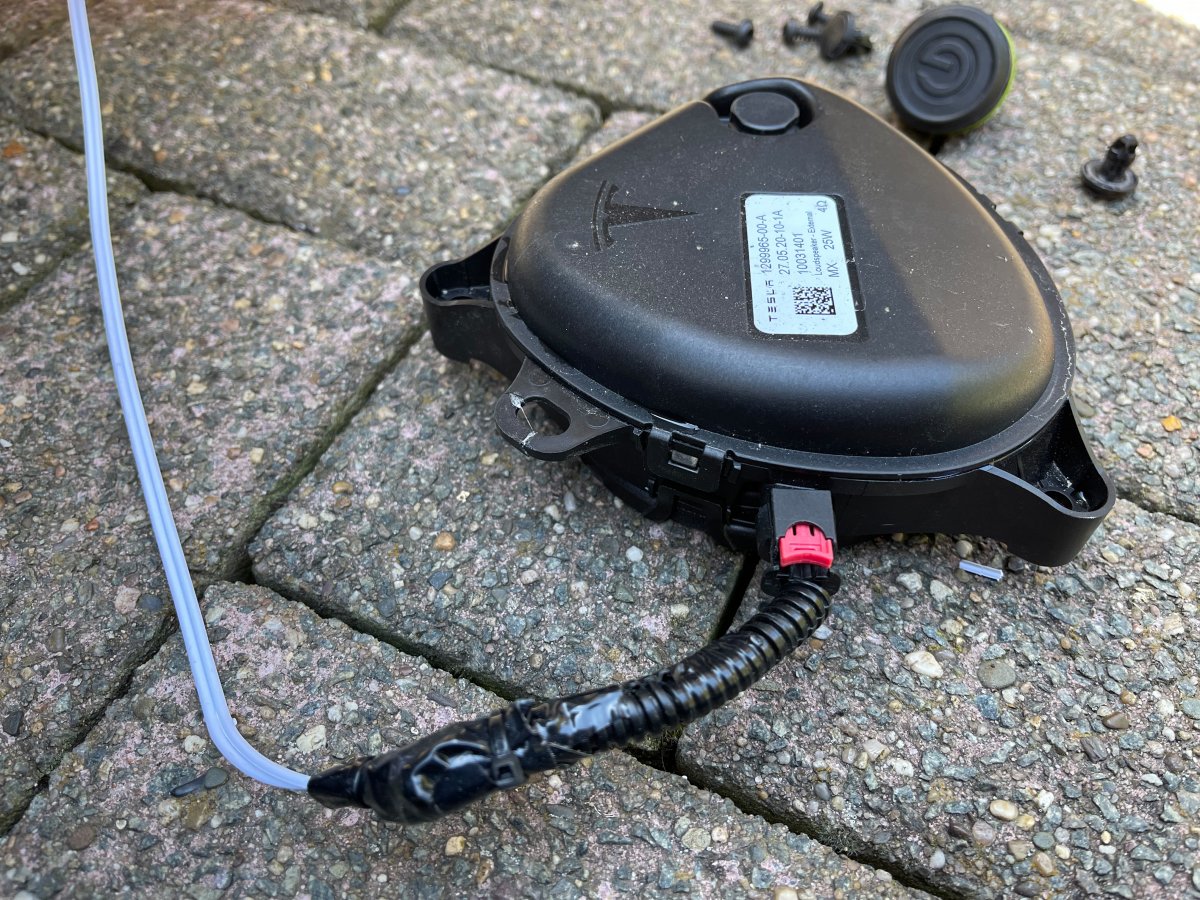
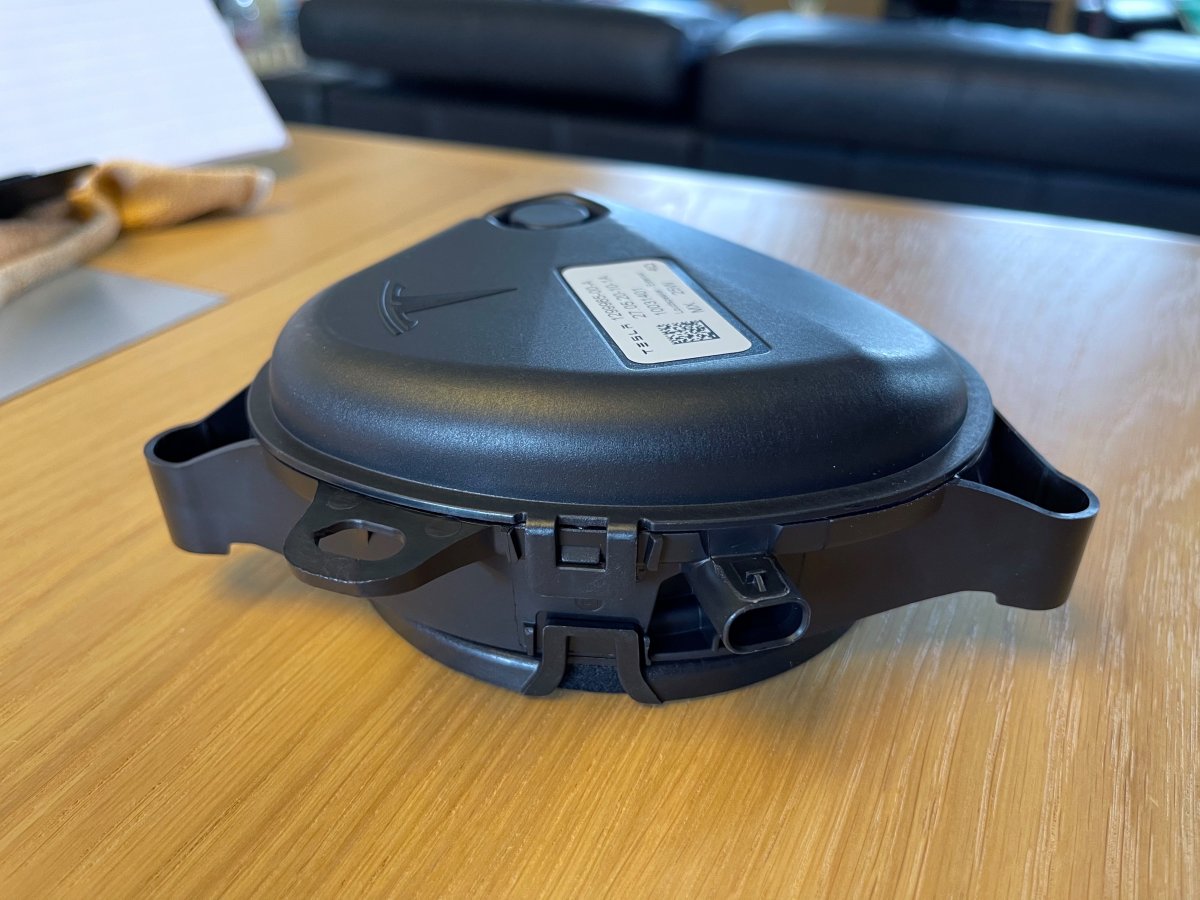
L'original Tesla.
-
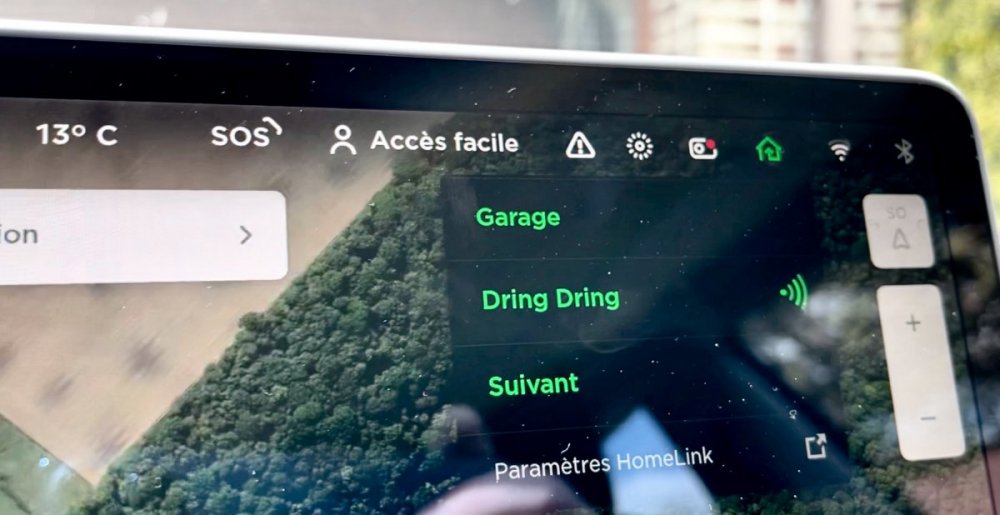
Depuis l'écran ! Le Homelink de mon garage et l'avertisseur piéton configuré vite fait... "Dring Dring" pour le bouton A et "Suivant" pour le bouton B. Je ferai mieux après !
-
La vidéo ! PWS video - 1.mov
-
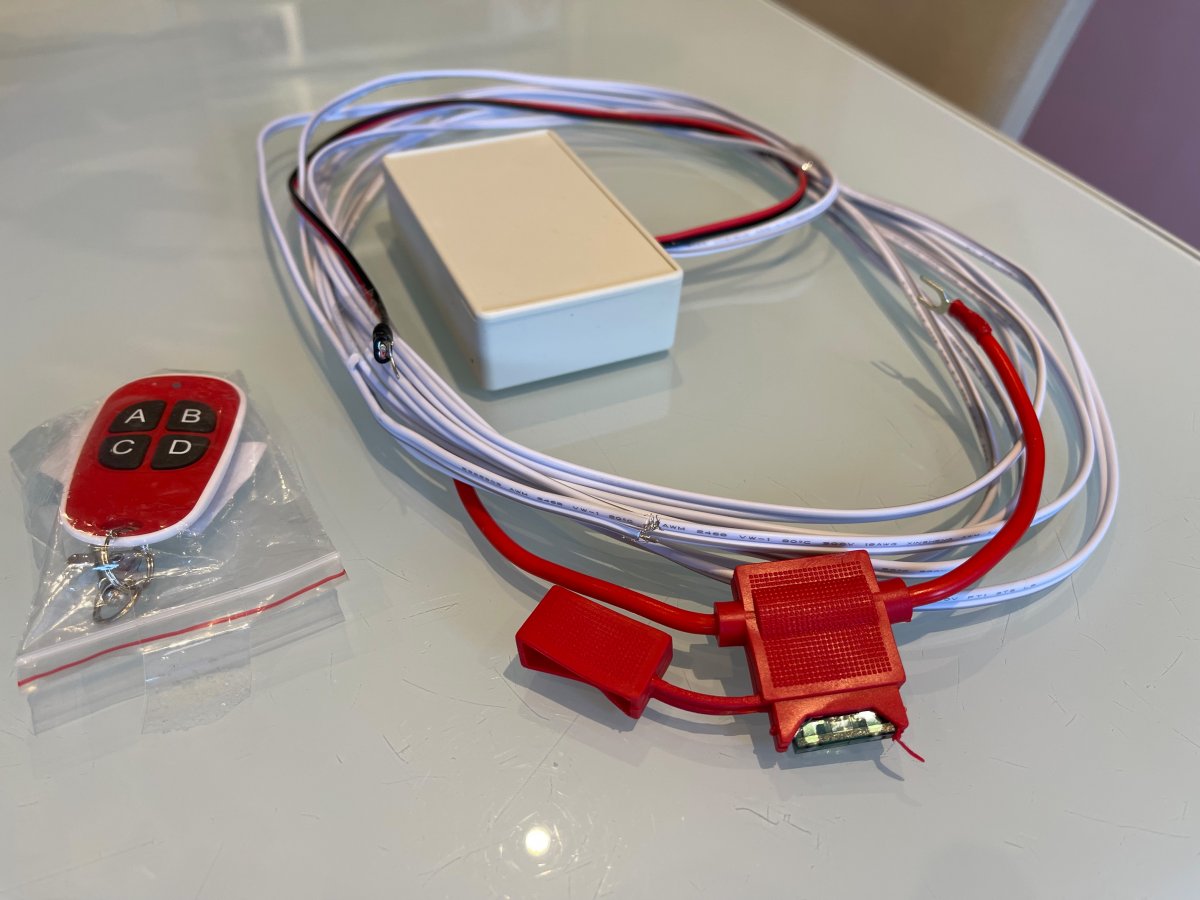
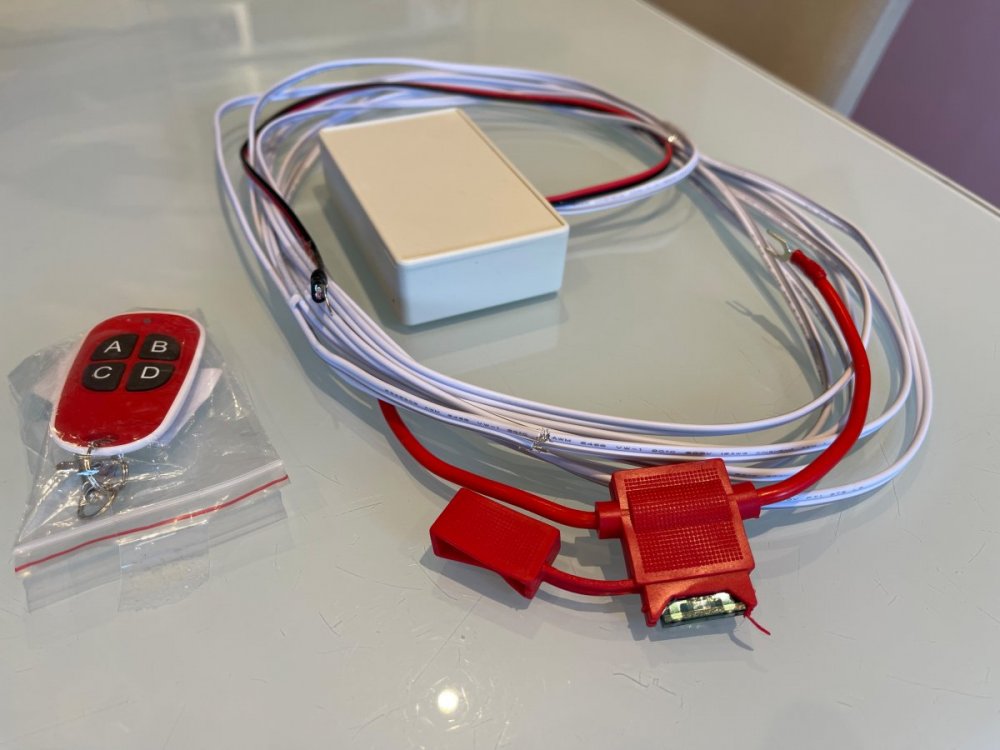
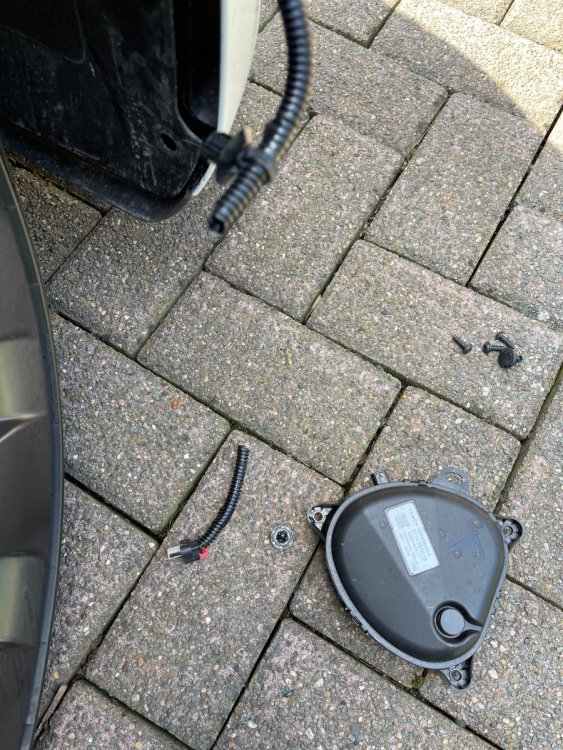
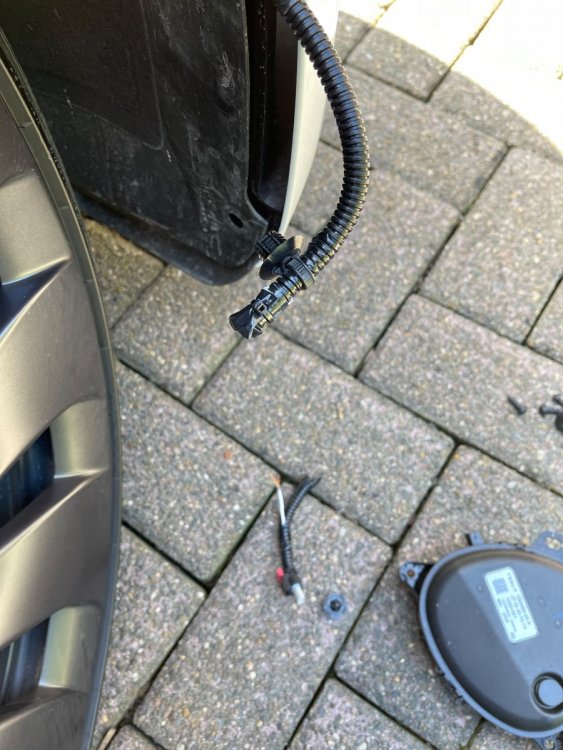
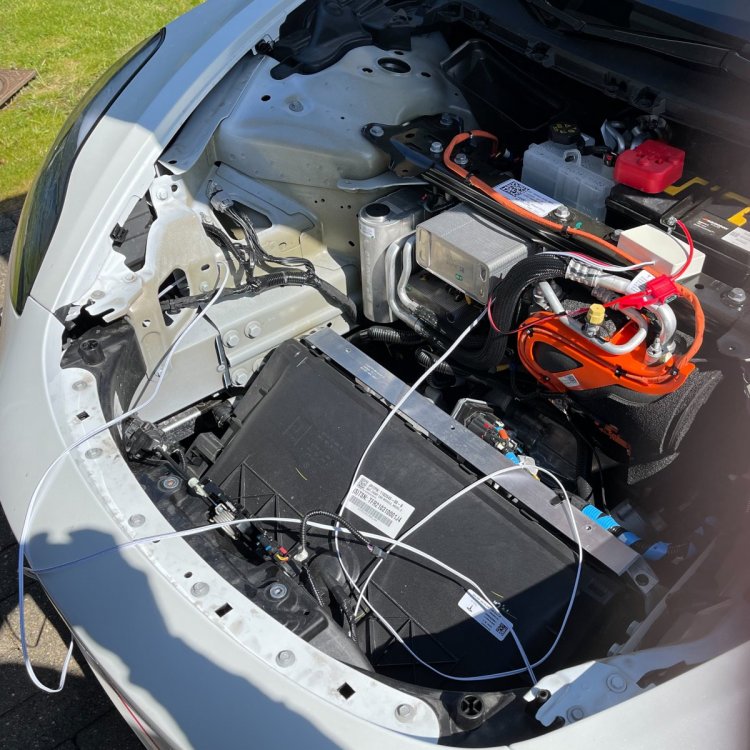
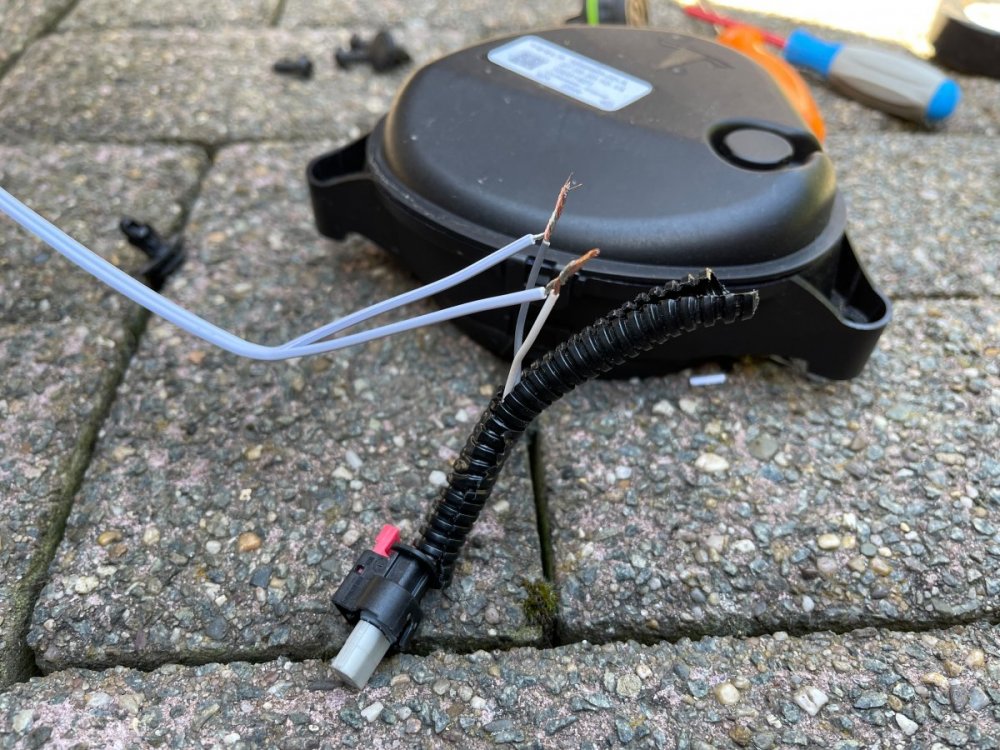
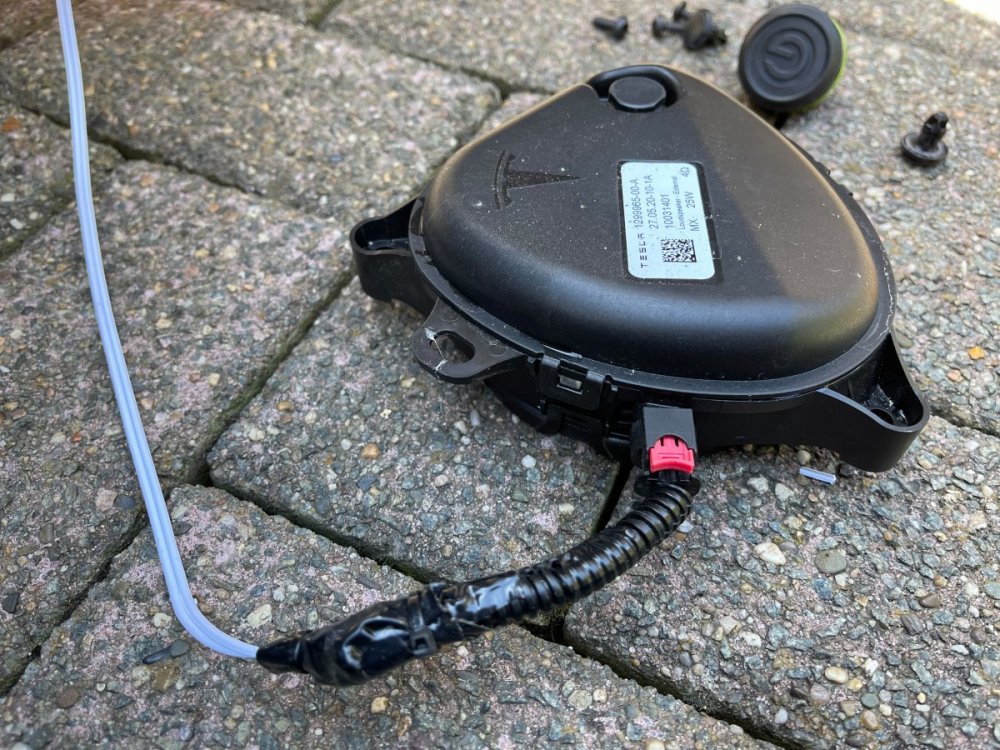
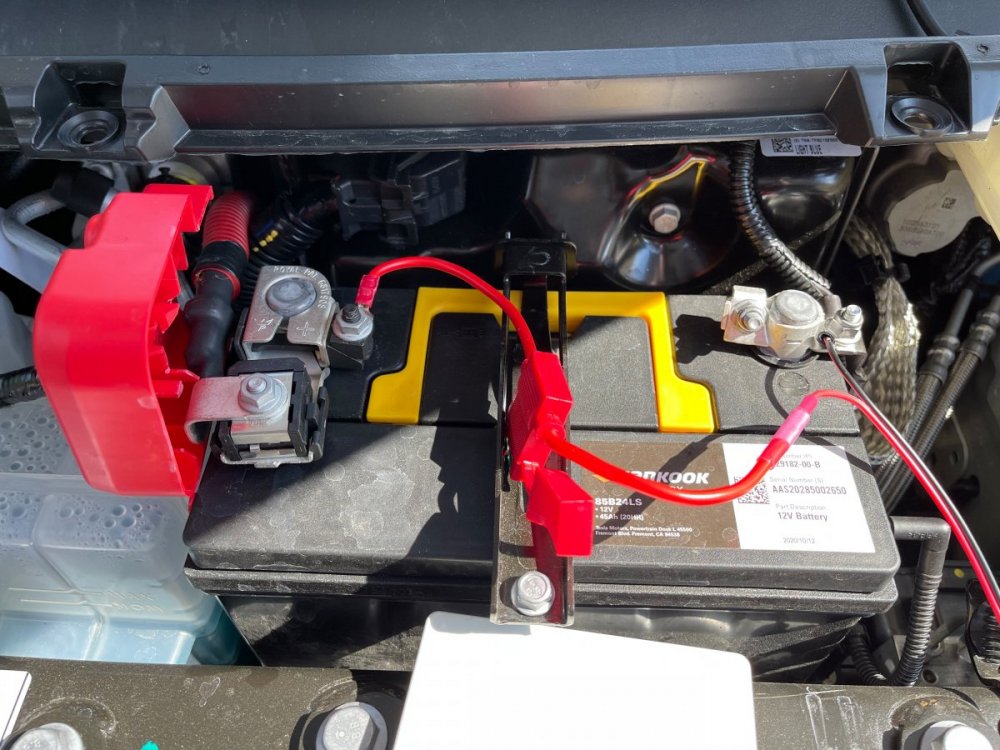
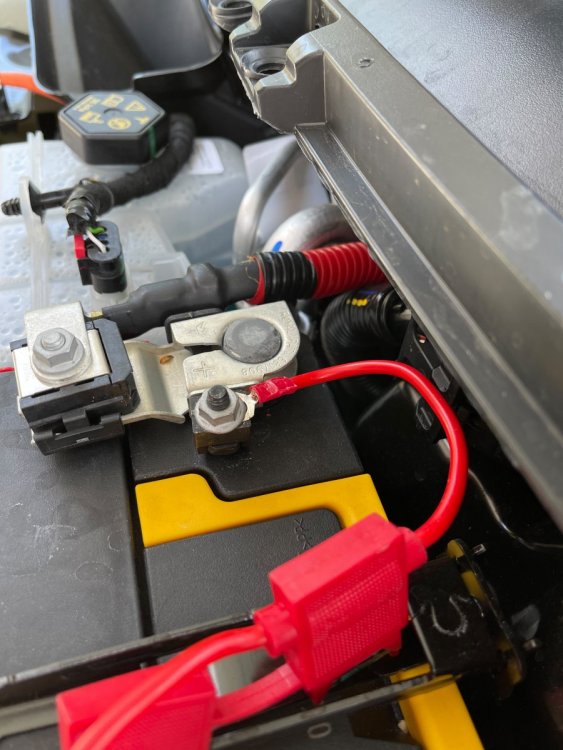
Voilà, installation terminée à l'instant ! Fonctionne parfaitement, sons d'origine bien audibles de l'extérieur, nettement moins de l'intérieur, mais ce n'est pas le but ! Merci à tous et en particulier à Steef et GiPe66 !
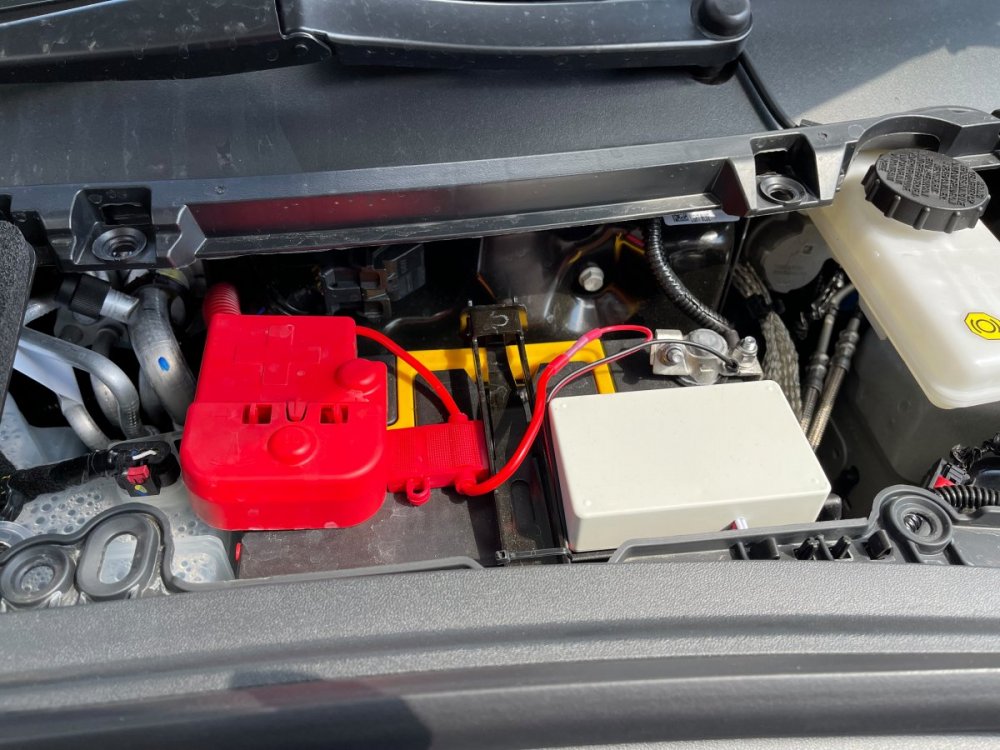
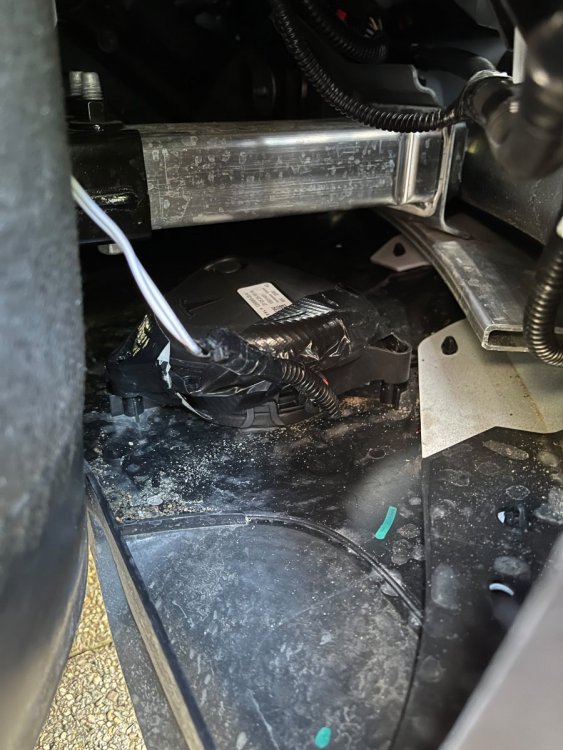
-
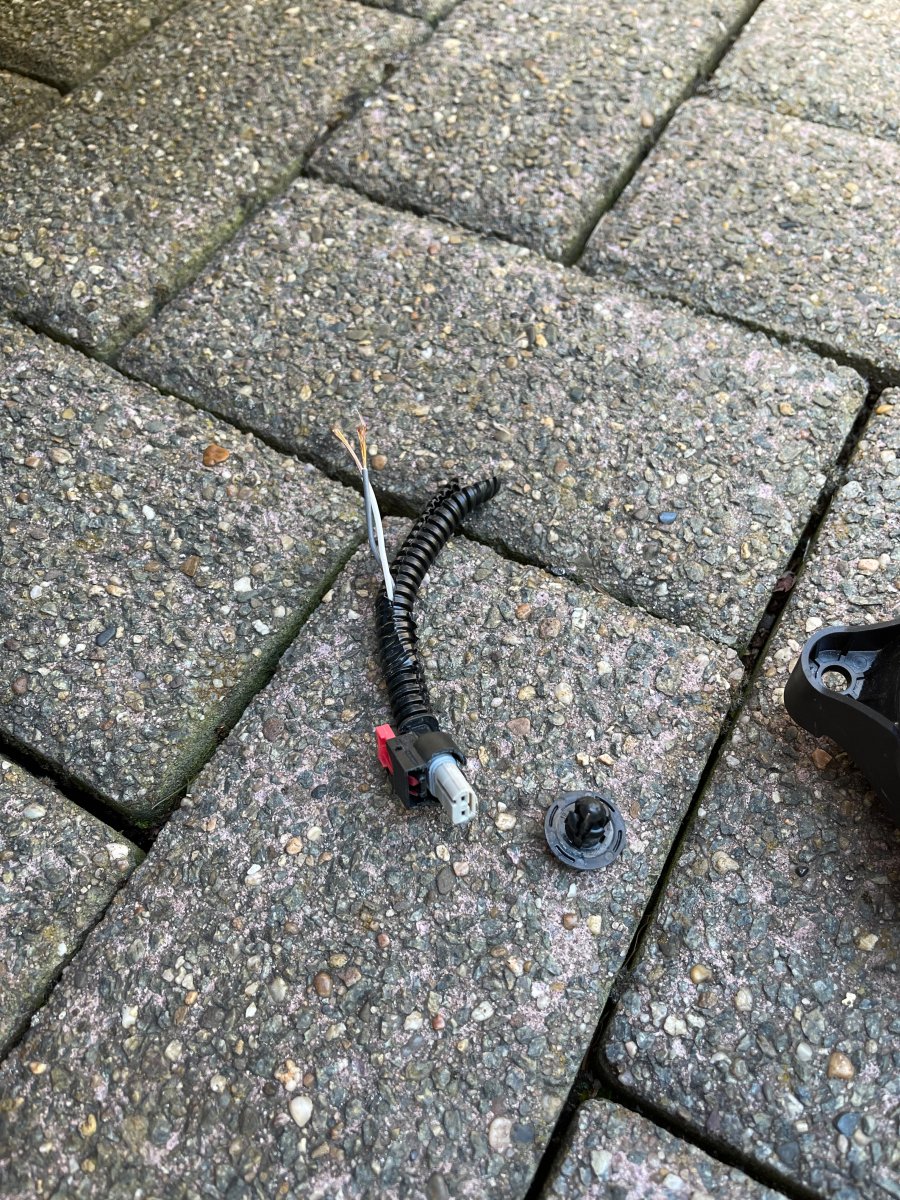
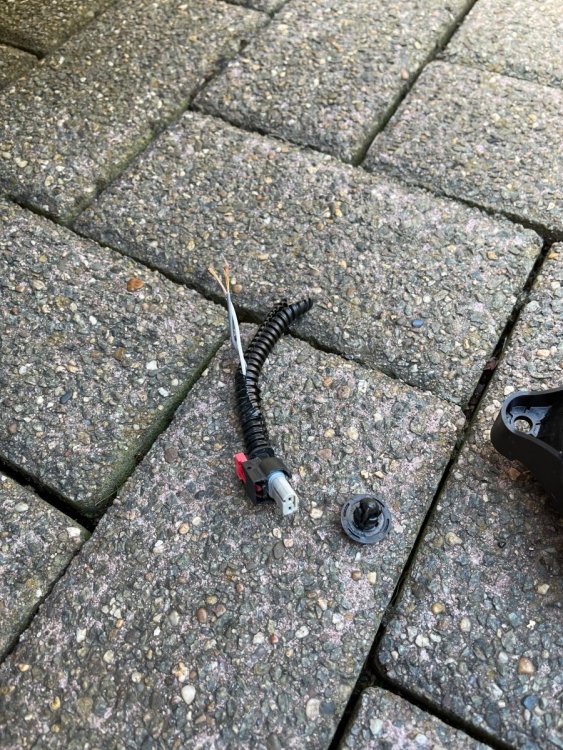
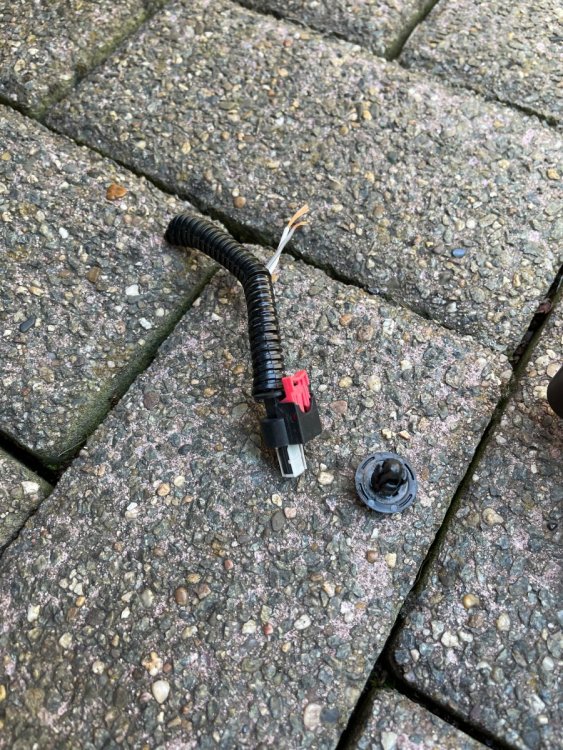
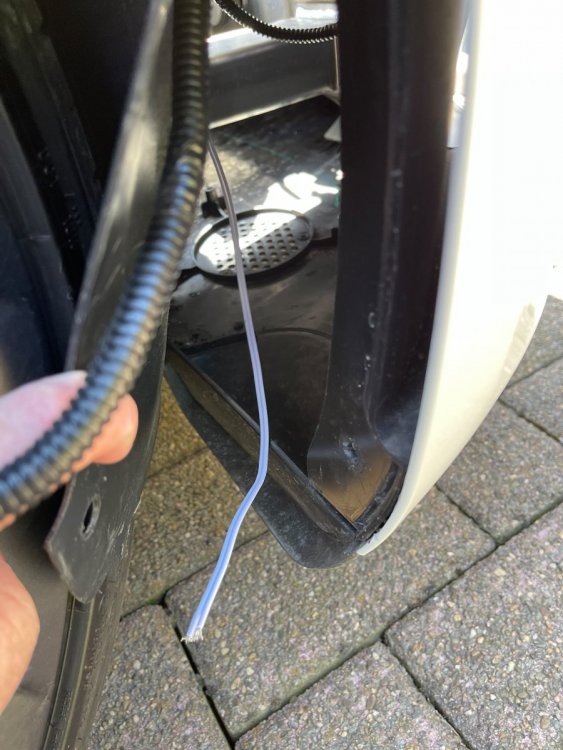
Je compte récupérer le connecteur d'origine présent devant la roue avant droite.
-
C'est le vrai, l'original ! Le ranger Tesla qui est venu installer Homelink me l'a confirmé. Une petite semaine pour le recevoir en Belgique, doit être pareil en France.
-
Super ! Impatient !
-
Quand on aime, on ne compte pas !
-
78€ + 6% (Paypal) + 35€ (UPS) = 116€
-
Reçu à l'instant ! Impatient de recevoir la suite !!! Pour info, il vient d'ici (Lituanie), mais est hors stock pour le moment.
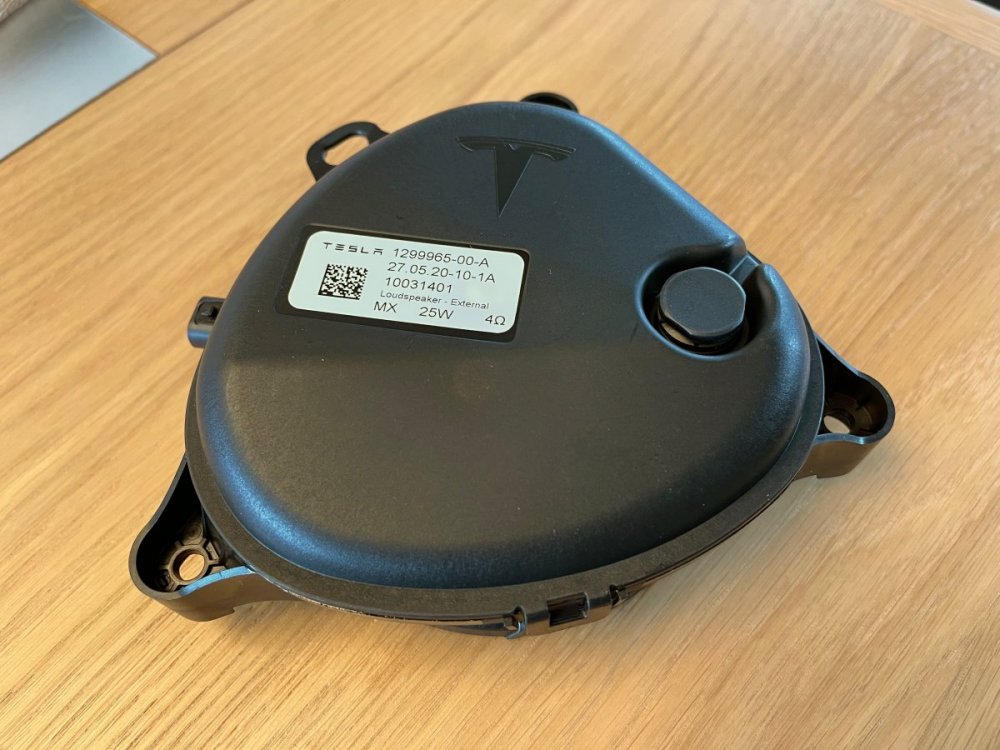
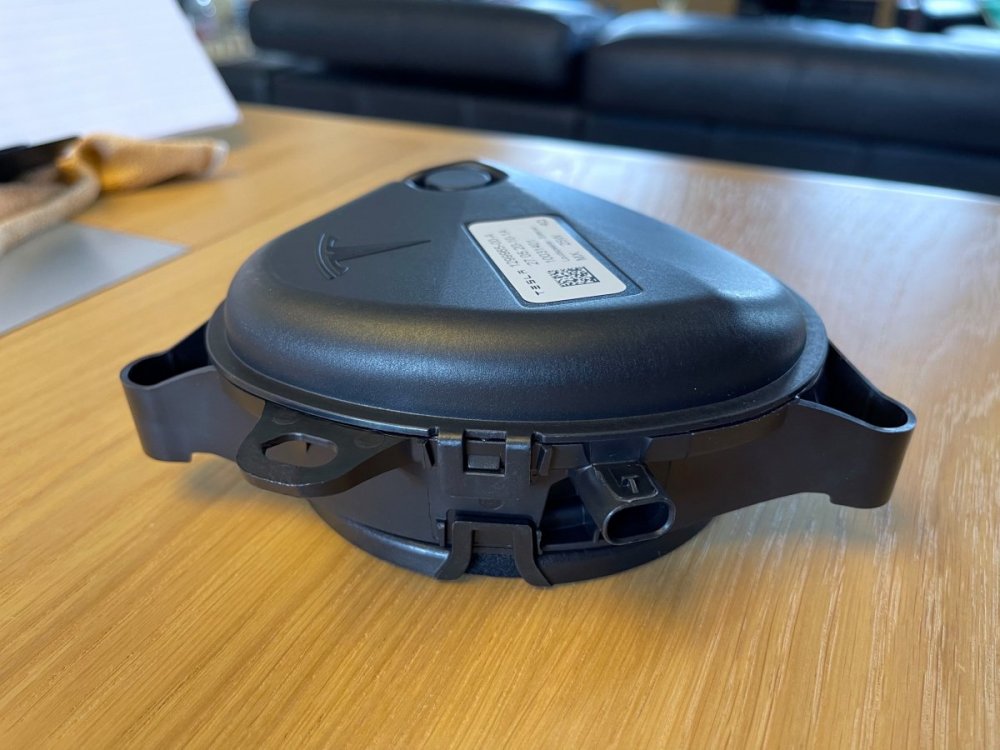
-
Comme par exemple : Knight court light.mp3 Knight moyen light.mp3
-
Pour les inconditionnels de K2000 ... : Un (trop) long mp3 que je peux vous découper selon vos désirs ! Knight.mp3