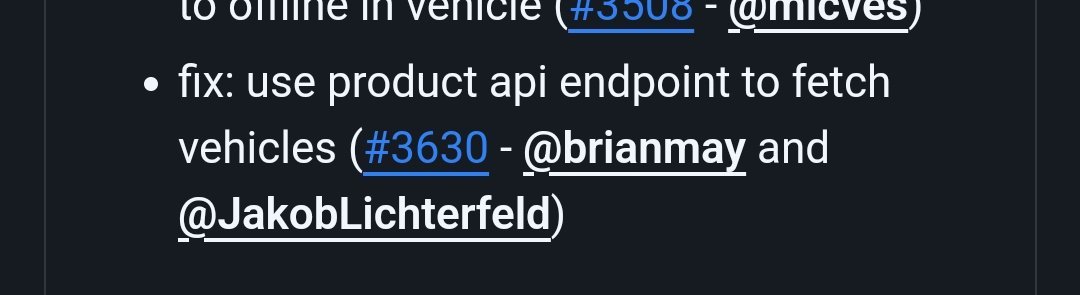
l@blanch€
Membre
-
Inscription
-
Dernière visite
-
Ras pour moi
-
Salut, Je suis à la recherche d'une mise à jour des dashboards car la carte ne fonctionne plus. Qui pourrait les partager de nouveau ?
-
C'est quoi la nouvelle mise à jour elle prend en compte la nouvelle api?
-
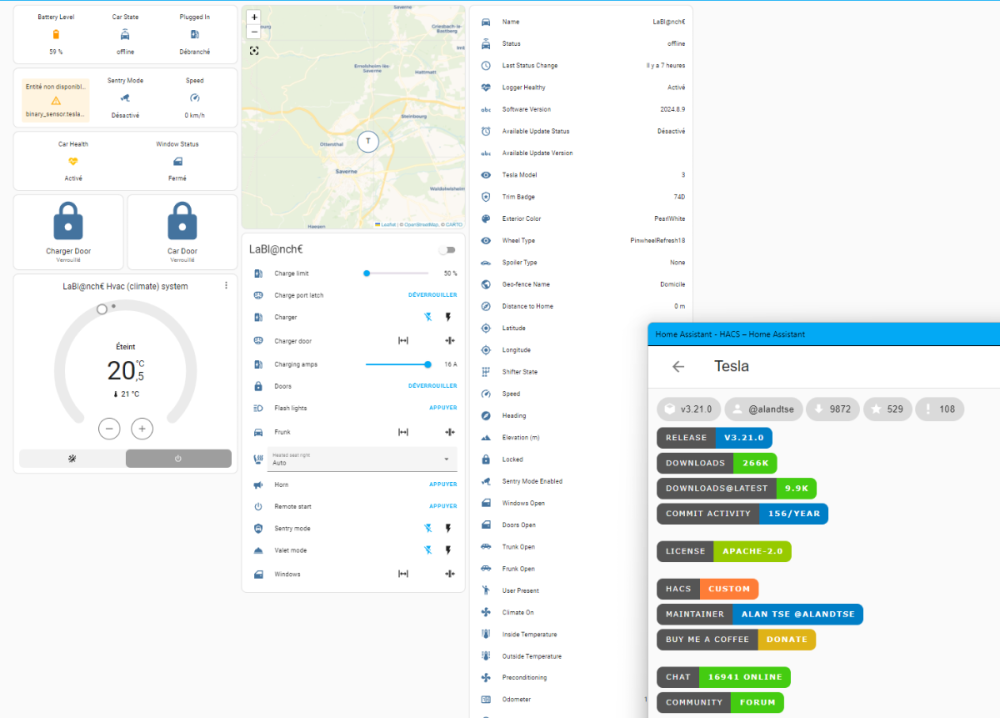
je ne pense pas qu'ils peuvent faire mieux que le combo teslamate et home assistant
-
Si sur ton nas tu ne peux pas faire des Dockers tu ne pourras pas installer Teslamate
-
Ras chez moi. Sauvegarde, maj Teslamate, maj rpi tous fonctionne. Depuis 15h.
-
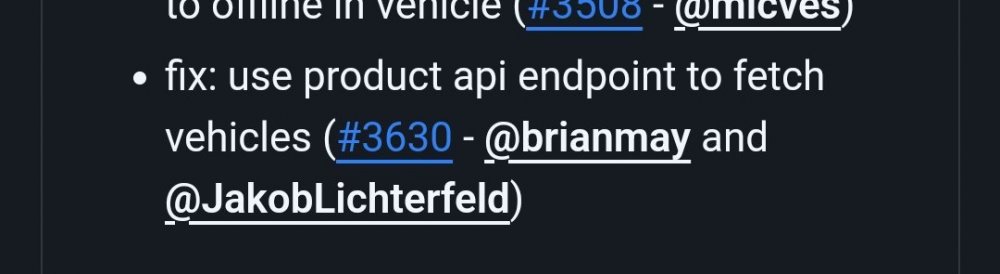
C'est peut être cette partie
-
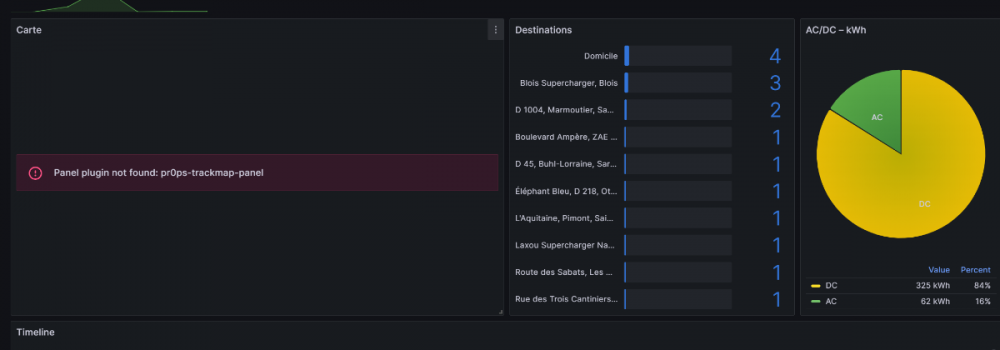
Bonjour j'ai l'impression depuis la mise à jour de novembre qu'il y a des erreurs dans les dashboards et qu'il manque une colonne cout au kw/h dans la partie charge.

-
Comme avant la version officiel a été mise à jour Within the directory where the YML file is located, pull the new images: docker compose pull and restart the stack with docker compose up. To run the containers in the background add the -d flag: docker compose up -d
-
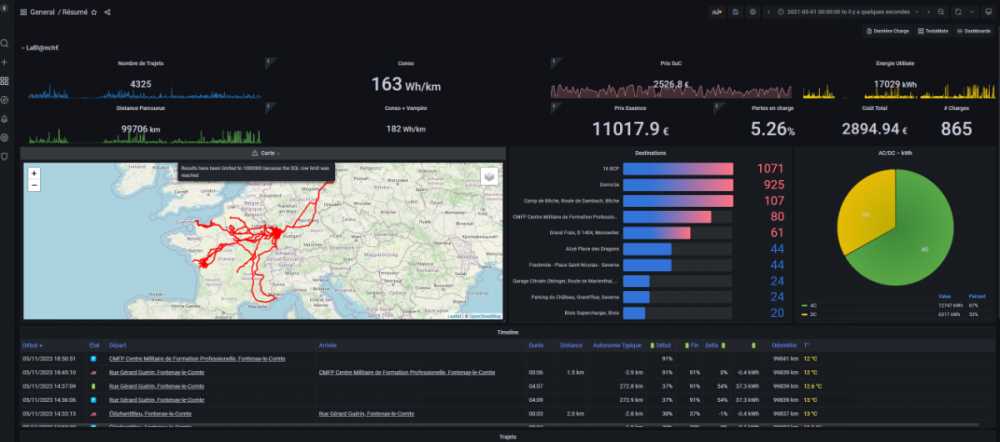
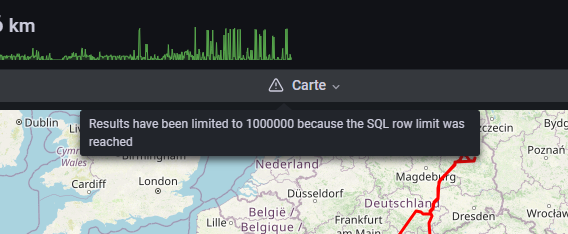
Petite question avez vous aussi ce message d'erreur quand vous voulez voir un résumé complet pour plus de 90000KM?
-
As tu testé un petit sudo
-
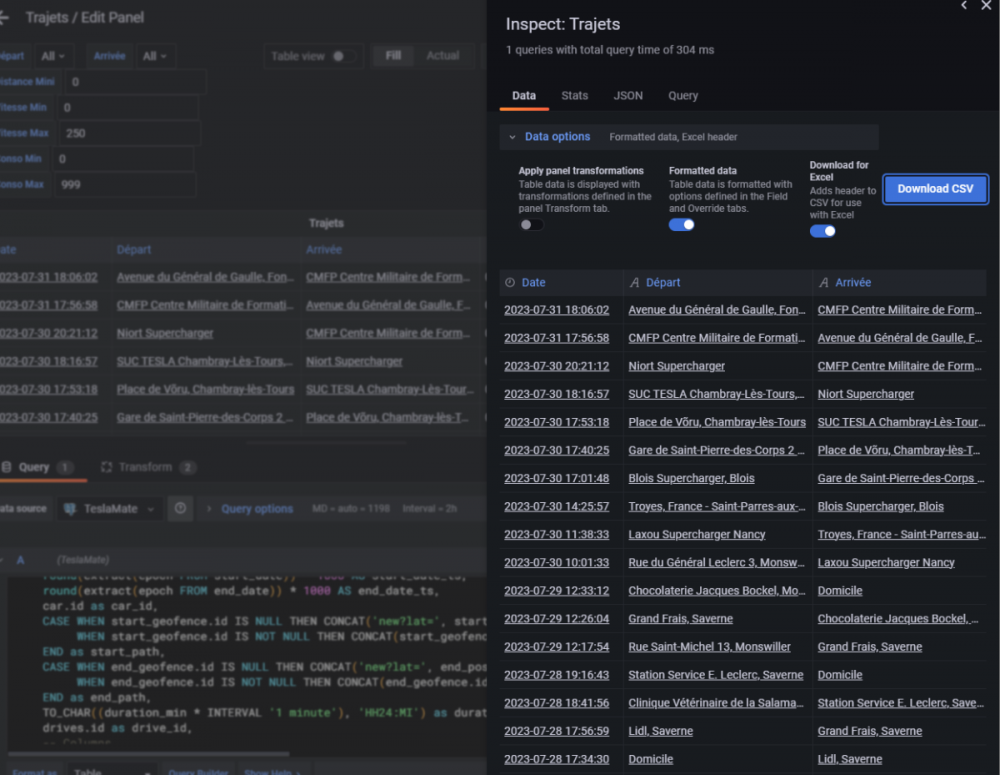
Avant et enfin si vous voulez un fichier exploitable il faut faire data option et sélectionner Download for excel

-
Merci de m'avoir donner un coup de main j'ai trouvé ou ont peut exporter
-
J'ai compris, le problème c'est de récupérer les informations dans un tableau style excel. Car le copier coller ne fonctionne pas
-
oups je suis perdu ou faudra t-il lancer la requête