onessela
Membre
-
Inscription
-
Dernière visite
-
Merci beaucoup !
-
Le RPI est un produit sérieux, spécialement le Compute Module. Souvent le problème est la distro Linux dans SD Card, il faut prendre des precautions pour rendre le système insensible aux interruptions de alimentations et pour avoir un filesystem robuste. Souvent les réalisation amateur ne tiennent compte de ca....I'ai réalisé un display auxiliaire il y a un an e je n'ai eu aucun problème jusqu'à present
-
Hi, thank you for your appreciations. Yes sound fades out from 40Km/h up, disappears at 50Km/h and also disappears when not in R or D. I am planning to add more sounds and to select them via wheel knob... Also upgrading via WiFi will be a must
-
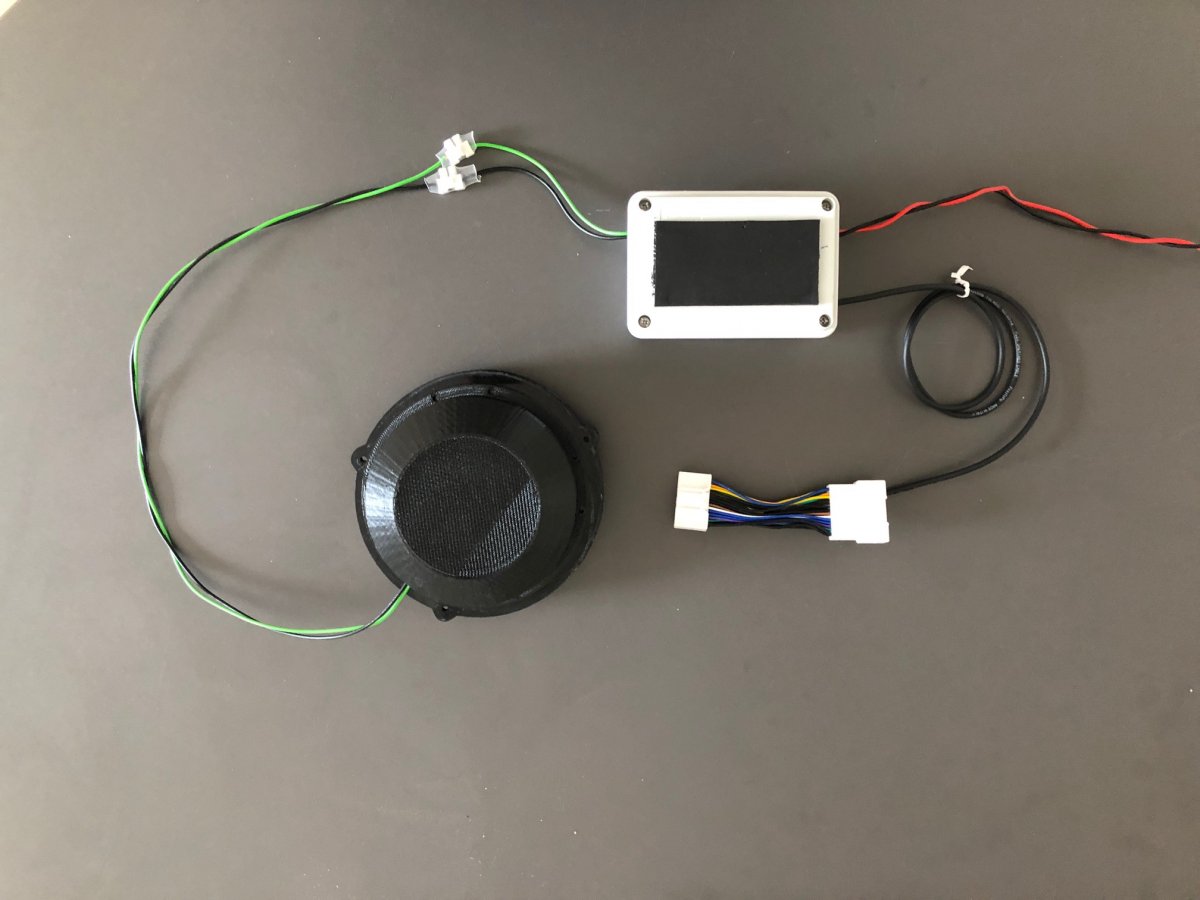
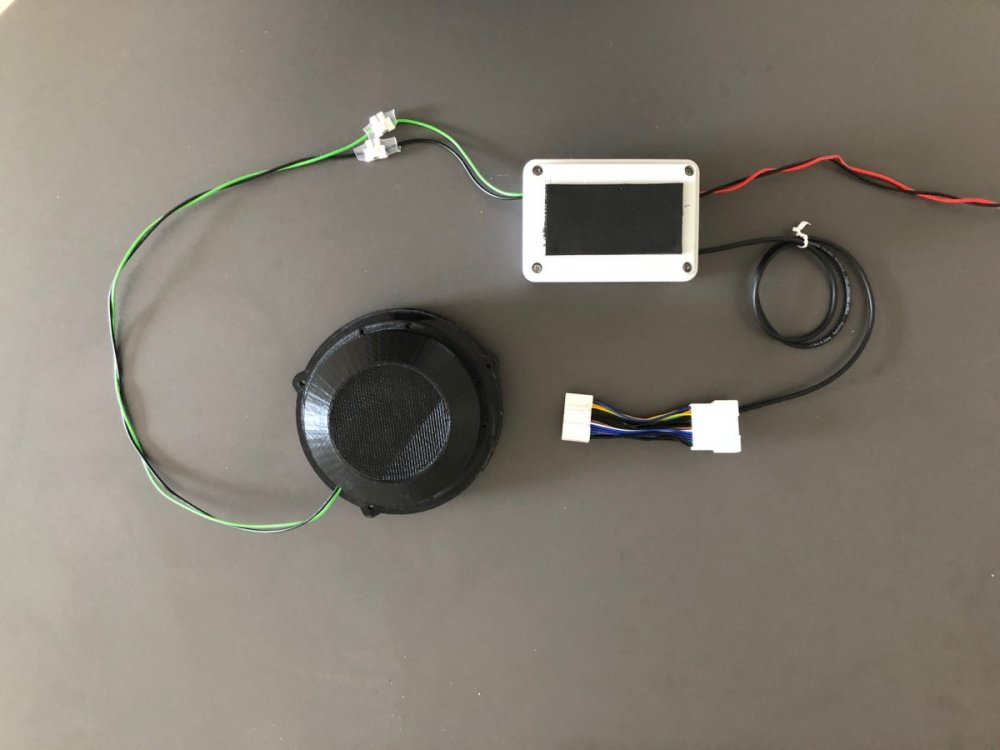
Hi everybody / bonjour a tous. I just finished a similar project, here https://inventesla.com/en/2021/05/03/a-pws-pedestrial-warning-system-for-my-model-3/ you can find a link to my blog where the entire project is described in detail
-
Tesla Model 3 Italian owner, electronic engineer. Would like to share come interesting projects