Aller au contenu
View in the app

A better way to browse. Learn more.

Forum Automobile Propre

A full-screen app on your home screen with push notifications, badges and more.

To install this app on iOS and iPadOS
  1. Tap the Share icon in Safari
  2. Scroll the menu and tap Add to Home Screen.
  3. Tap Add in the top-right corner.
To install this app on Android
  1. Tap the 3-dot menu (⋮) in the top-right corner of the browser.
  2. Tap Add to Home screen or Install app.
  3. Confirm by tapping Install.

PhilippeMllrd

Membre
  • Inscription

  • Dernière visite

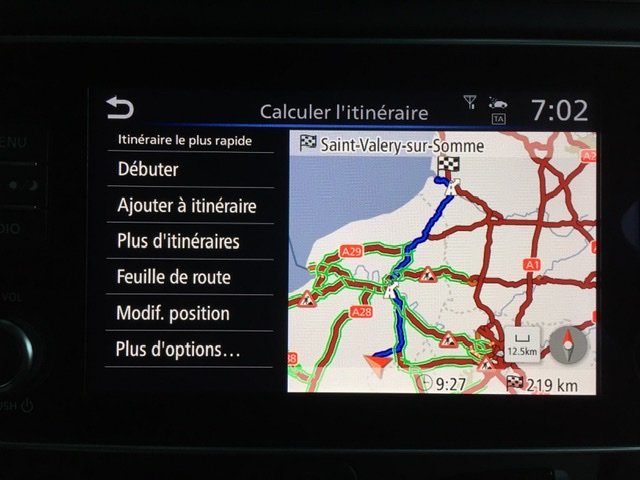
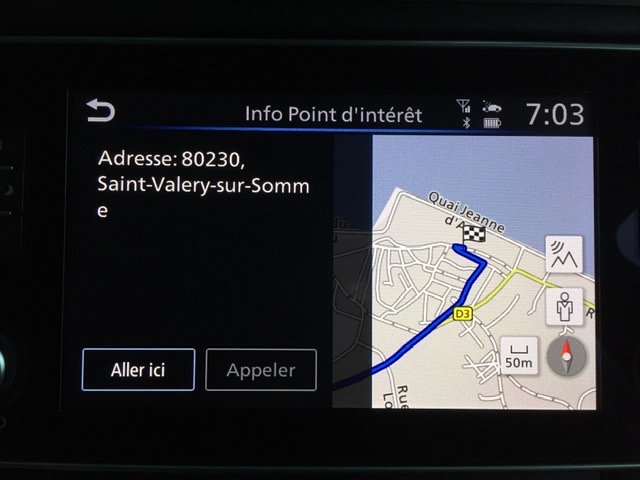
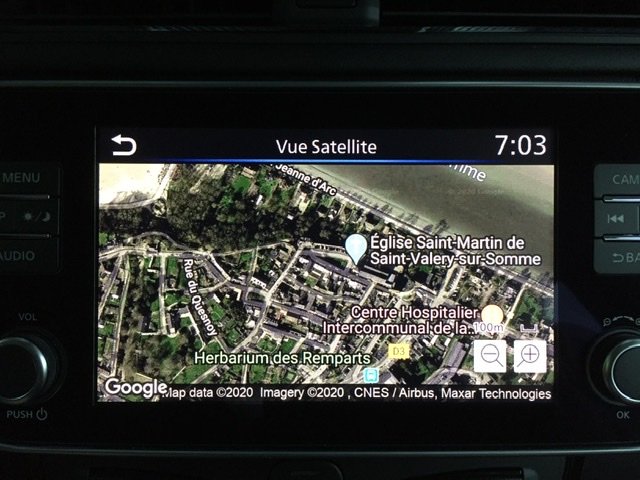
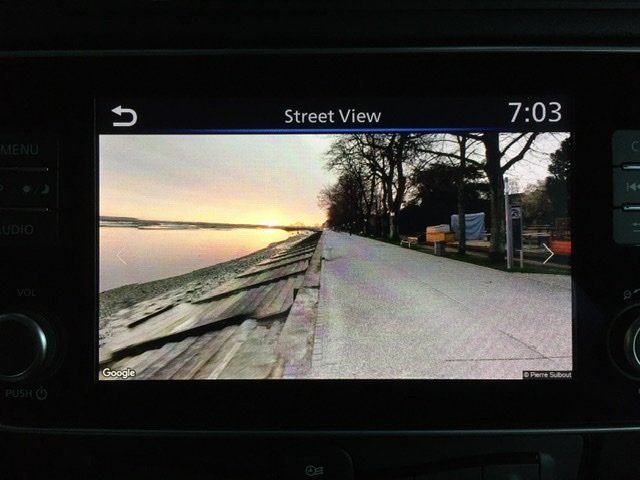
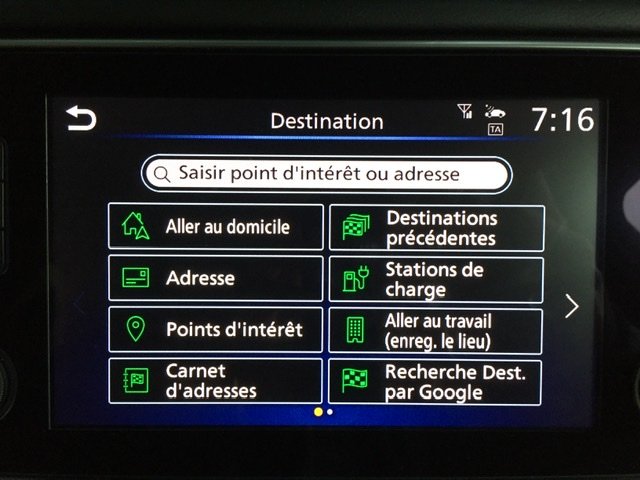
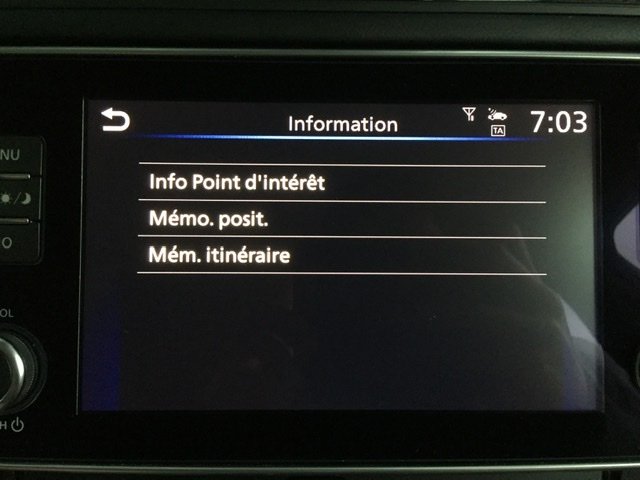
  1. Il y a bien cette fonctionnalité sur Nissan Connect 8". Il faut être connecté en Wifi (soit domestique soit en partage de connection via le smartphone). Ensuite il y a 2 possibilités: - « Calcul d’itinéraire » puis « Plus d’options » et ensuite « info point intérêt ». A l’écran vont apparaître deux icônes l’une pour Google StreetView et l’autre pour la vue satellite - « Recherche destination par Google » et ensuite ces options vont être proposées
  2. Bonjour, Tout nouveau possesseur d’une Nissan LEAF 2019 N-Connecta 40kw (Nissan Connect 8 pouces). Il s’agit de ma première expérience en voiture électrique. Je réside en Normandie, dans le 27. J’ai pu orienter mon choix d’achat grâce aux nombreux commentaires sur le forum. Je souhaite donc pouvoir à mon tour y contribuer. cordialement

Account

Navigation

Rechercher

Rechercher

Configure browser push notifications

Chrome (Android)
  1. Tap the lock icon next to the address bar.
  2. Tap Permissions → Notifications.
  3. Adjust your preference.
Chrome (Desktop)
  1. Click the padlock icon in the address bar.
  2. Select Site settings.
  3. Find Notifications and adjust your preference.