Aller au contenu
View in the app

A better way to browse. Learn more.

Forum Automobile Propre

A full-screen app on your home screen with push notifications, badges and more.

To install this app on iOS and iPadOS
  1. Tap the Share icon in Safari
  2. Scroll the menu and tap Add to Home Screen.
  3. Tap Add in the top-right corner.
To install this app on Android
  1. Tap the 3-dot menu (⋮) in the top-right corner of the browser.
  2. Tap Add to Home screen or Install app.
  3. Confirm by tapping Install.

Ple78

Membre
  • Inscription

  • Dernière visite

  1. Merci keke ! effectivement il y avait un +, j’ai changé et cela fonctionne maintenant 😃
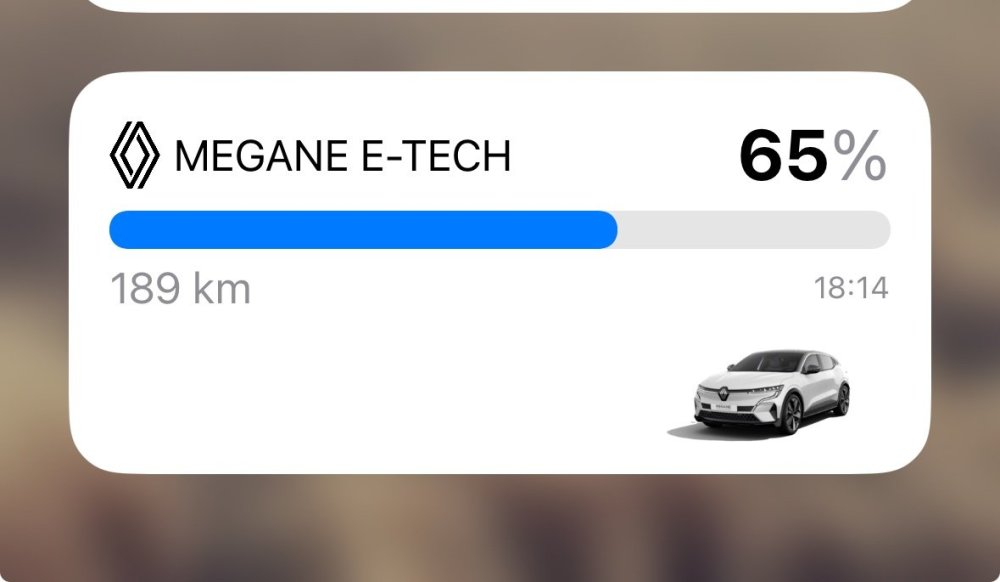
  2. Déjà essayé, cela n’a rien changé.
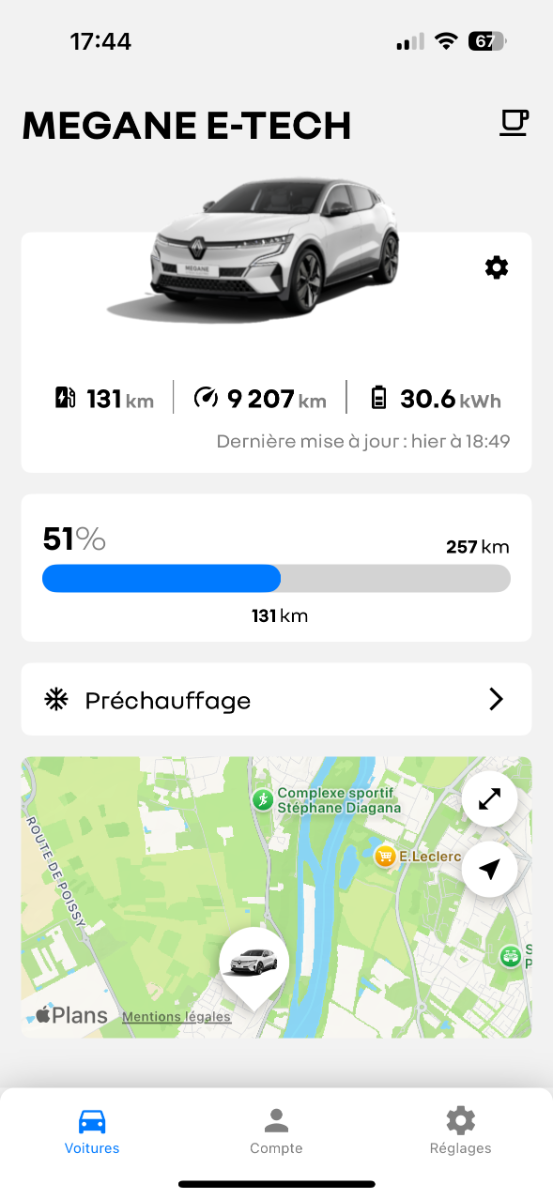
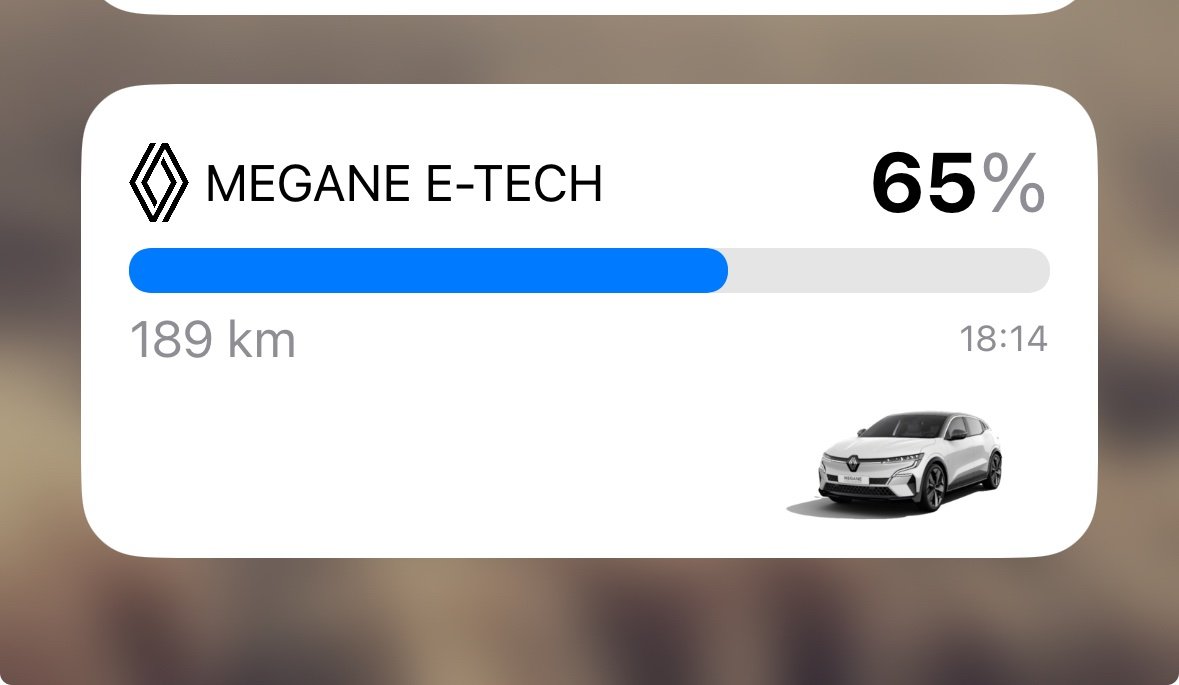
  3. Bonjour, J'essai depuis plusieurs versions de faire fonctionner Kelec sur IOS (dernière version IOS sur iPhone 15), l'appli fonctionne parfaitement et je remercie l'auteur pour ce super outil mais impossible d'avoir le widget fonctionnel, peu importe le widget choisi. Si quelqu'un a la solution je suis preneur.
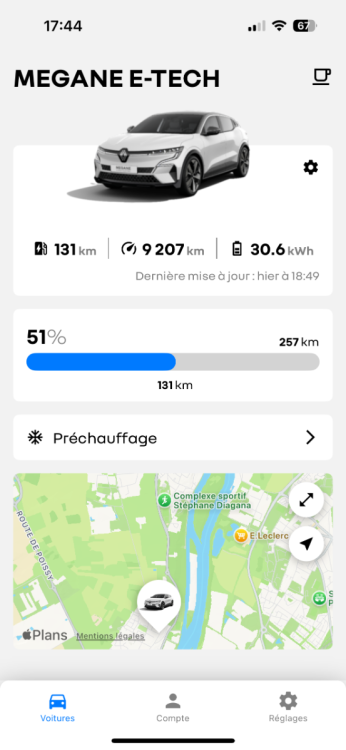
  4. Bonjour j'ai 56 ans et roule tous les jours avec une Megane ETech Techno 60Kw, un peu Geek je cherche toujours les dernières informations sur les mises a jour en cours, les outils me permettant d'optimiser mes déplacements sur iOS ou dans le véhicule avec Open RLiink et ce forum est parfait pour moi !

Account

Navigation

Rechercher

Rechercher

Configure browser push notifications

Chrome (Android)
  1. Tap the lock icon next to the address bar.
  2. Tap Permissions → Notifications.
  3. Adjust your preference.
Chrome (Desktop)
  1. Click the padlock icon in the address bar.
  2. Select Site settings.
  3. Find Notifications and adjust your preference.