Jacko27
Membre
-
Inscription
-
Dernière visite
-
Sur google on la trouve encore en apk mais attention il faut la version 1.4 car la version précédente ne fonctionne pas avec android 8
-
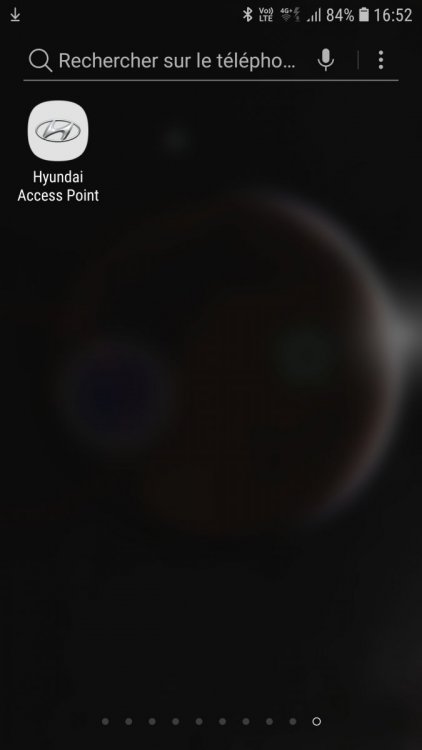
A oui effectivement l'appli a disparu du playstore, voila l'icone que j'ai
-
Oui automatiquement l'application passe en partage de connexion (attention au data consommé )
-
Oui si tu veux que l'info trafic et meteo soit a jour.
-
Avec hyundai access point le wifi se connecte automatiquement lors du démarrage de la voiture et la connection en bluetooth, dispo sur le playstore
-
Salut chris33 , J'ai fait ma première révision courant mars de ma ioniq hybride et la mise a jour n'as pas été faite malgré ma demande (il parait que le maj n’étais pas dispo). pourrais tu me fournir la nouvelle MAJ et la procédure en MP merci d'avance.
-
bonjour a tous, maintenant sur le site de Hyundai il y a un attelage porte vélo pour la ioniq hybride a 656€ http://www.hyundai.be/fr/services/accessoires/car/ioniq-hybride dans l'onglet transport.
-
bonjour, chez atnor on trouve un attelage pour la hyundai ioniq http://www.attelage-discount.fr/hyundai-ioniq/14754-attelage-hyundai-ioniq-2016-col-de-cygne-porte-velos-atnor.html