Aller au contenu
View in the app

A better way to browse. Learn more.

Forum Automobile Propre

A full-screen app on your home screen with push notifications, badges and more.

To install this app on iOS and iPadOS
  1. Tap the Share icon in Safari
  2. Scroll the menu and tap Add to Home Screen.
  3. Tap Add in the top-right corner.
To install this app on Android
  1. Tap the 3-dot menu (⋮) in the top-right corner of the browser.
  2. Tap Add to Home screen or Install app.
  3. Confirm by tapping Install.

BZ17

Membre
  • Inscription

  • Dernière visite

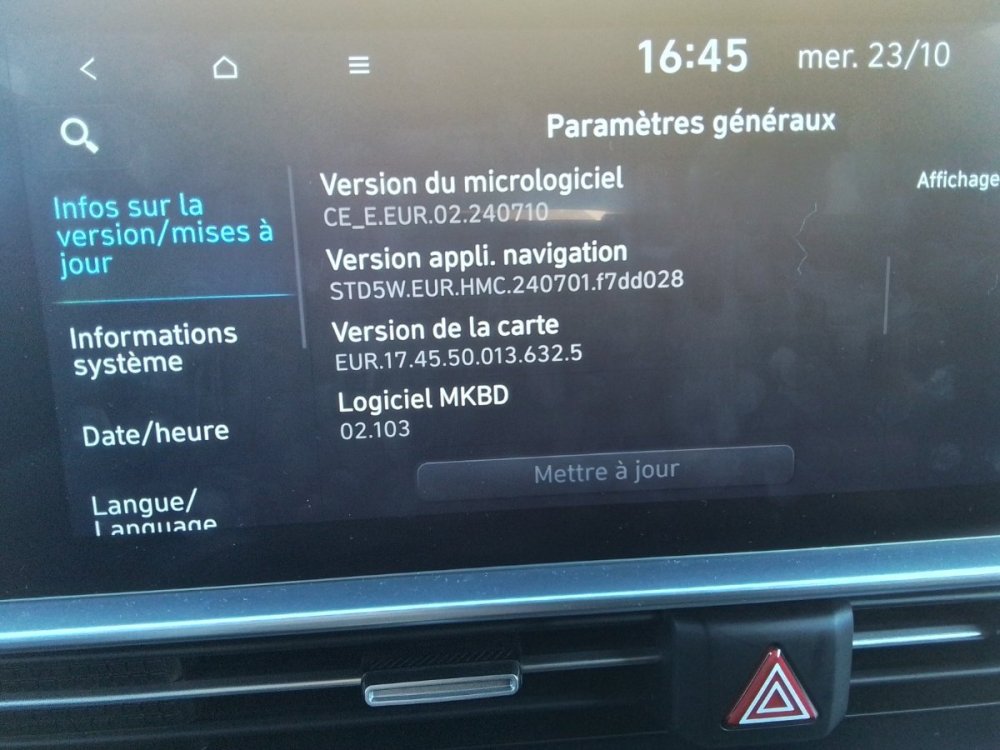
  1. numéro de version si ca peut vous aider
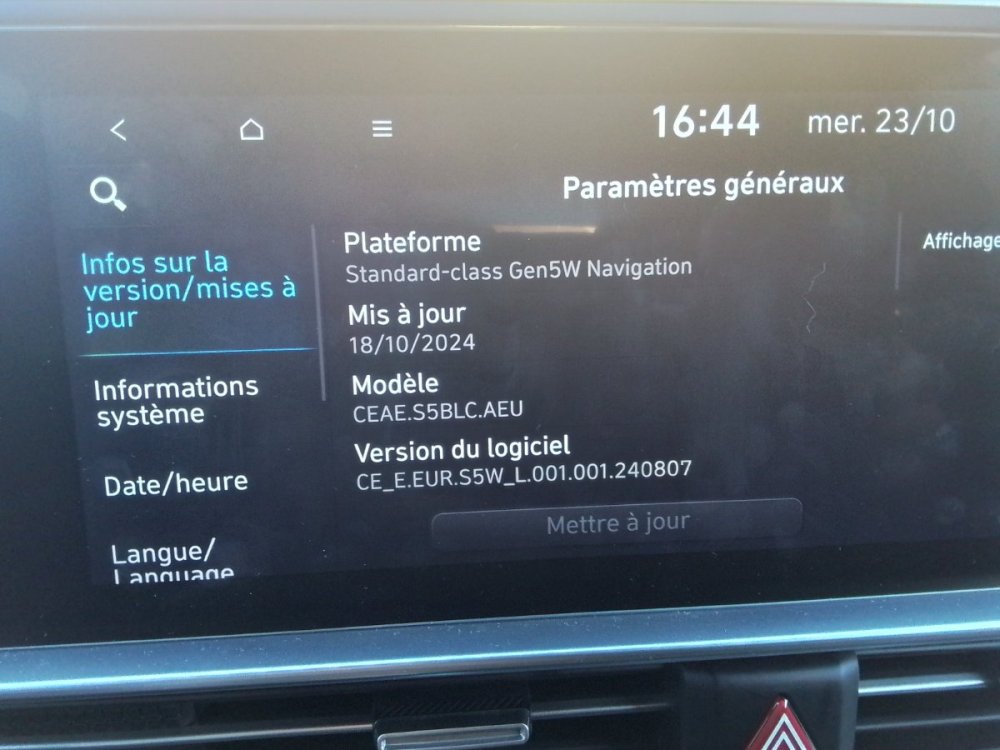
  2. Je confirme, j ai la voiture depuis ce 4 octobre
  3. QR code vers la description de la mise à jour https://update.hyundai.com/EU/FR/updateNoticeView/yl6SCl Oui c est bien là molette à droite Et l etat du menu après activation, information de limite de vitesse est bien coché
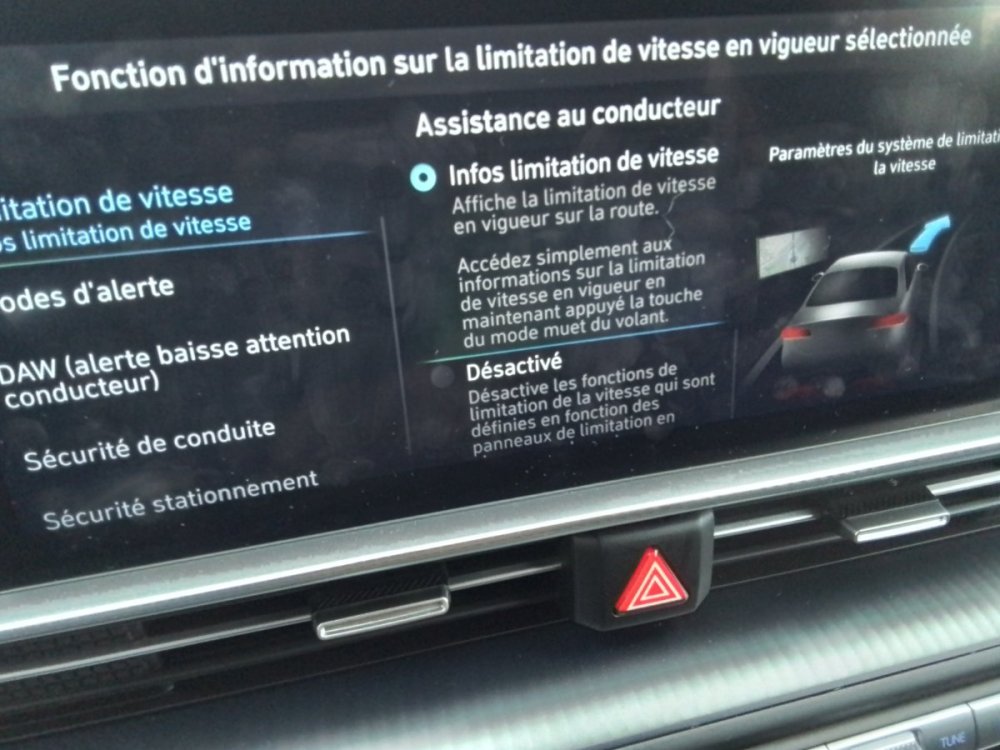
  4. Bien le bonjour a tous Après mise à jour , la désactivation des alarmes sonores en laissant appuyer le bouton muet fonctionne chez moi. Après 2 secondes d appui, un message confirme la desactivation sur l ecran central.
  5. Bonjour à tous, Je m'inscris sur le forum suite à l'acquisition d'une hyundai Ioniq 6 Core Rouge 77 Charleroi Belgique La cinquantaine Je souhaite partager avec la communauté electrique Merci de m accueillir

Account

Navigation

Rechercher

Rechercher

Configure browser push notifications

Chrome (Android)
  1. Tap the lock icon next to the address bar.
  2. Tap Permissions → Notifications.
  3. Adjust your preference.
Chrome (Desktop)
  1. Click the padlock icon in the address bar.
  2. Select Site settings.
  3. Find Notifications and adjust your preference.