




Aller au contenu
View in the app

A better way to browse. Learn more.

Forum Automobile Propre

A full-screen app on your home screen with push notifications, badges and more.

To install this app on iOS and iPadOS
  1. Tap the Share icon in Safari
  2. Scroll the menu and tap Add to Home Screen.
  3. Tap Add in the top-right corner.
To install this app on Android
  1. Tap the 3-dot menu (⋮) in the top-right corner of the browser.
  2. Tap Add to Home screen or Install app.
  3. Confirm by tapping Install.

White Lurker

Membre
  • Inscription

  • Dernière visite

  1. Je l'avais lu, mais ce n'était pas pour la même durée de stationnement
  2. Bonjour, Je ne vais pas me servir de ma Model 3 pendant 4 mois. D'après la notice il est conseillé de la laisser brancher non stop, même si je ne m'en sert pas. Il n'y a pas un moyen de l'éteindre complètement à la place ?
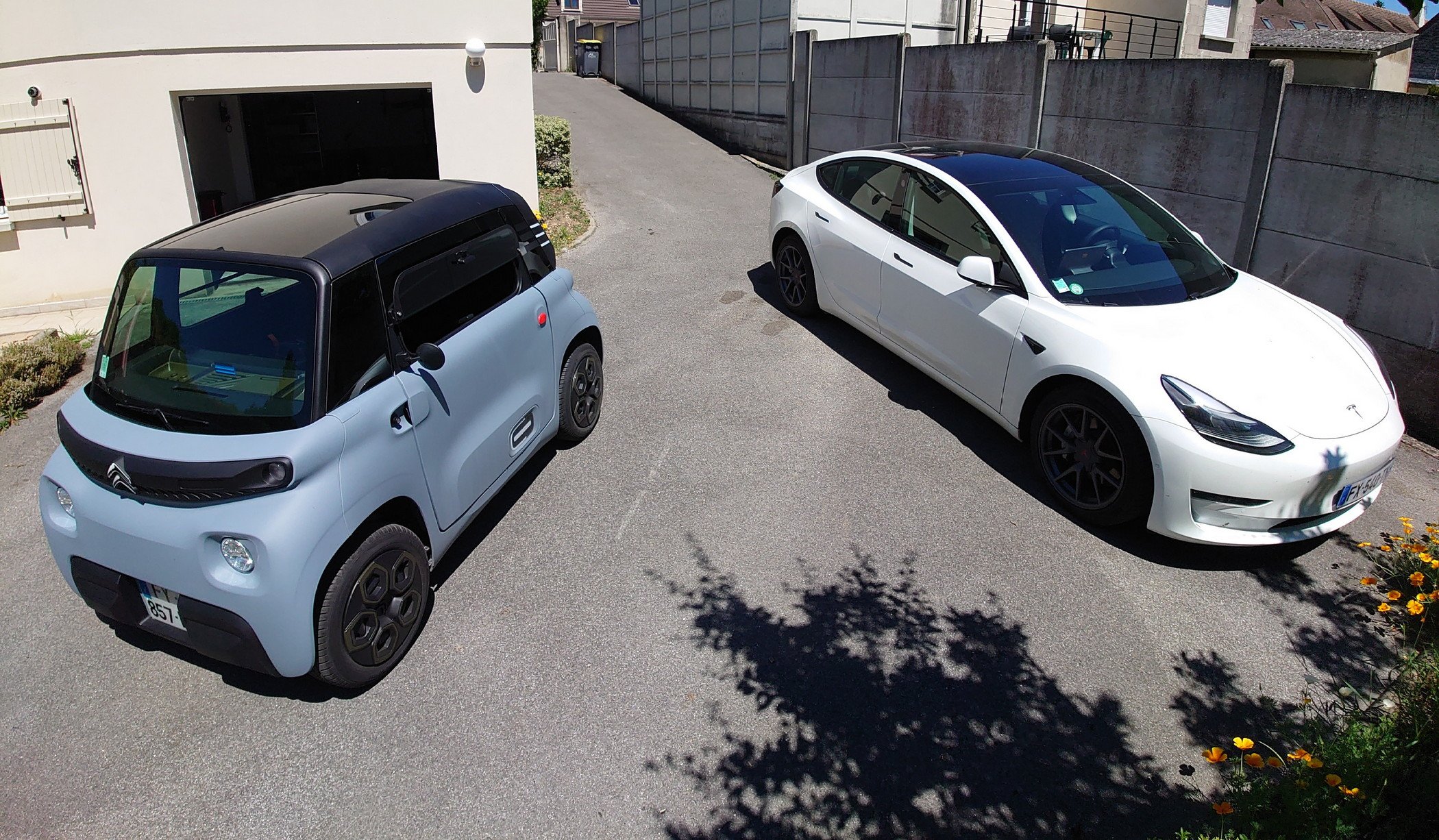
  3. Bonjour, Je me présente vite fait Richard, propriétaire d'une TESLA Model 3 Long Range depuis avril 2021. 43 ans, habitant des Hauts-de-France.

Account

Navigation

Rechercher

Rechercher

Configure browser push notifications

Chrome (Android)
  1. Tap the lock icon next to the address bar.
  2. Tap Permissions → Notifications.
  3. Adjust your preference.
Chrome (Desktop)
  1. Click the padlock icon in the address bar.
  2. Select Site settings.
  3. Find Notifications and adjust your preference.